LinkedIn Ad Downloader
Instantly save high-quality video and image ads from LinkedIn directly to your device. No login, no watermarks, and 100% free.
Works instantly • No signup required
No Login Required
We never ask for your LinkedIn credentials. You only need the public link to the post.
No Tracking
We do not store or track the content you download. Your activity remains private.
All ine One Downloader
Download Ads, single images, entire image carousels, animated GIFs and videos all from the same powerful tool
Blazing-Fast Speed
Our optimized technology works in seconds. Paste the link, and the download options appear almost instantly.
How to use?
Download your favorite LinkedIn Ads using the below easy steps.
Find the ad you want on your feed, click the three horizontal dots (…) in the top right corner of the post, and select “Copy link to post.“
Open your Web Browser and go to LnkdDownloader.com and paste that copied link directly into the search box at the top of this page.
Hit the ‘Media Fetch‘ button. We will process the video/image in about two seconds and give you a button to download HD MP4/Image file.
Instructions with Screenshots
We built this tool because LinkedIn makes it incredibly frustrating to export their media. Here is how to bypass all that and get your file in three quick steps:
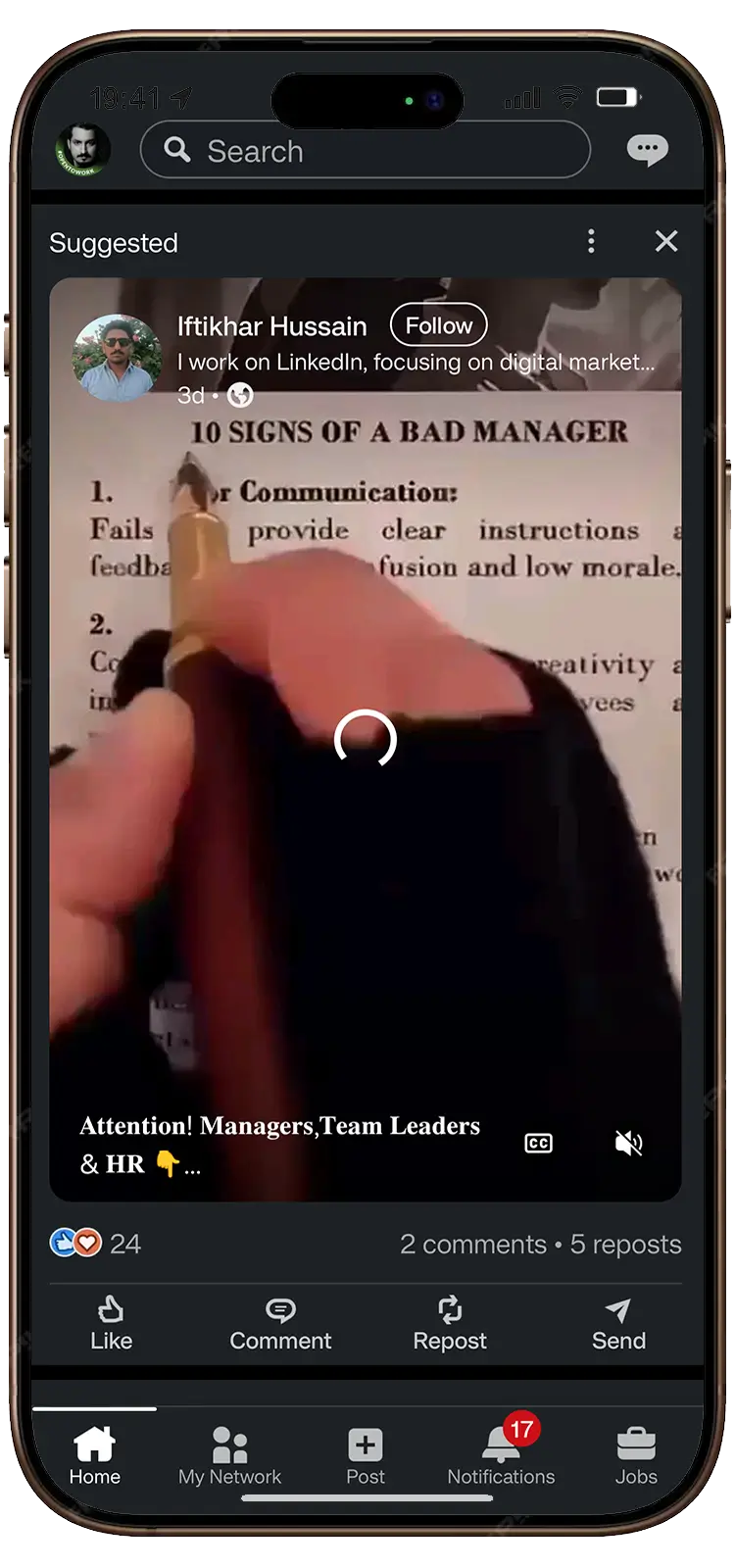
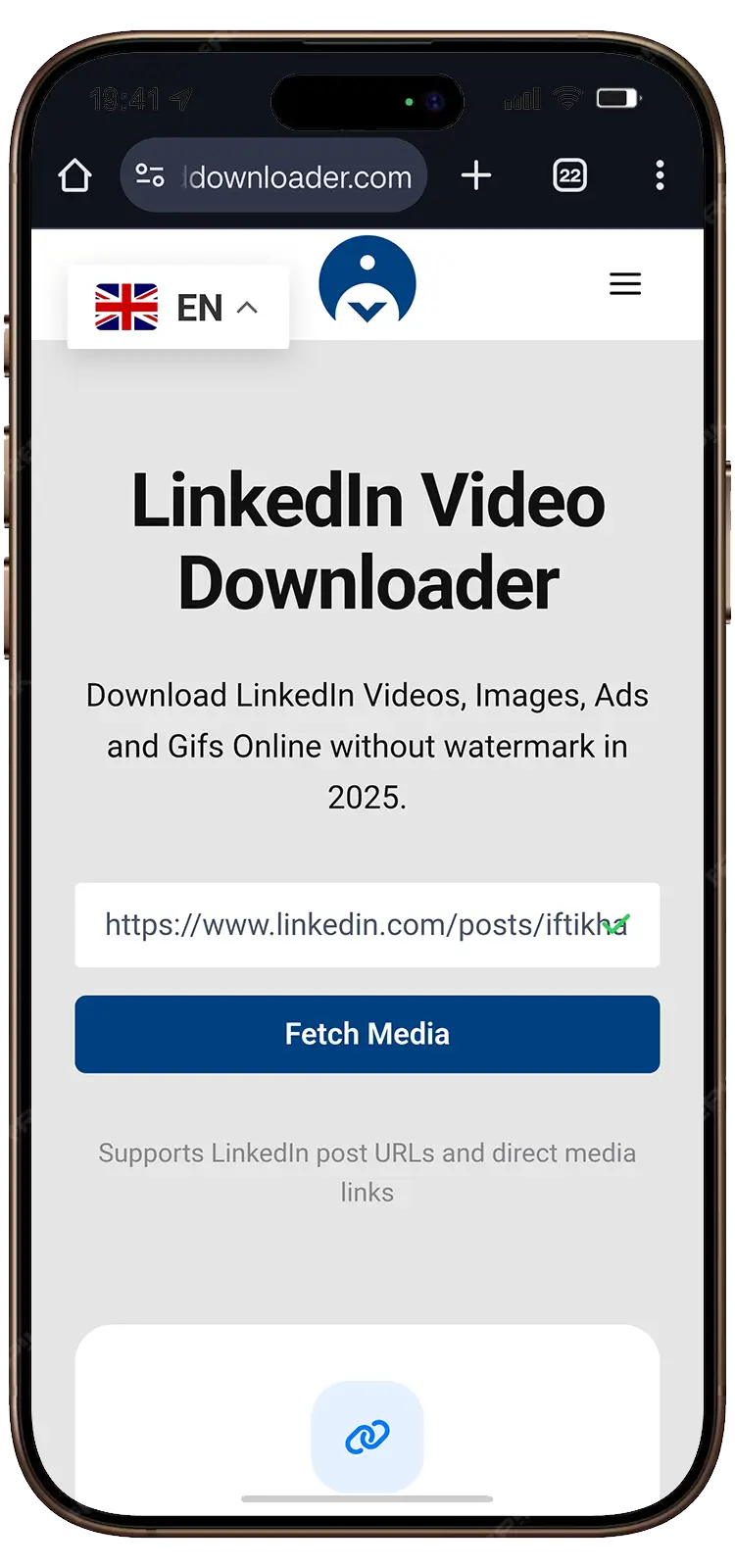
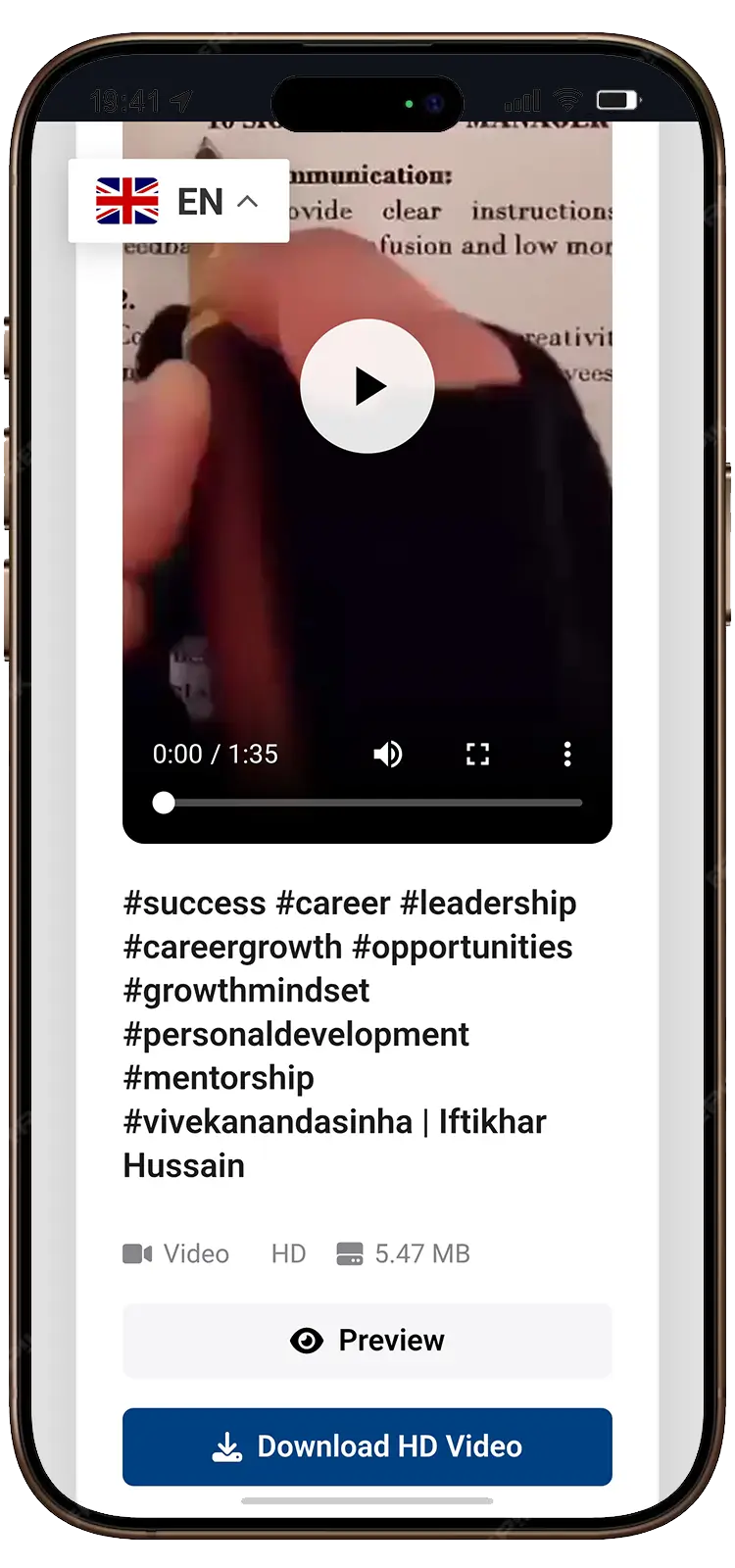
Download LinkedIn Ads in Seconds
Stop digging through page code trying to save that perfect B2B ad. With our LinkedIn Ad Downloader, you can instantly save high-quality ad videos straight to your phone or computer. It is 100% free, requires zero software, and you never even have to log in.
Why Use LnkdDownloader for LinkedIn Ads?
If you have tried other downloaders, you know they are often stuffed with spam or simply break because they can’t handle LinkedIn’s unique video formatting. Here is why marketers choose our tool:
Original HD quality:
Whether they uploaded in 720p or crisp 1080p, we grab the highest resolution available.
Pulls the raw MP4:
LinkedIn hides their video files in tiny encrypted blobs. We do the heavy lifting to stitch them back together so you get a clean, playable video file.
Total anonymity:
You don’t need to link your LinkedIn account. The advertiser will never know you downloaded their ad.
No annoying watermarks:
We don’t stamp our logo across your saved videos. You get the original file exactly as it was uploaded.
Who Actually Uses a LinkedIn Ad Downloader?
We process thousands of ad downloads every week. Here is exactly who is using this tool and why:
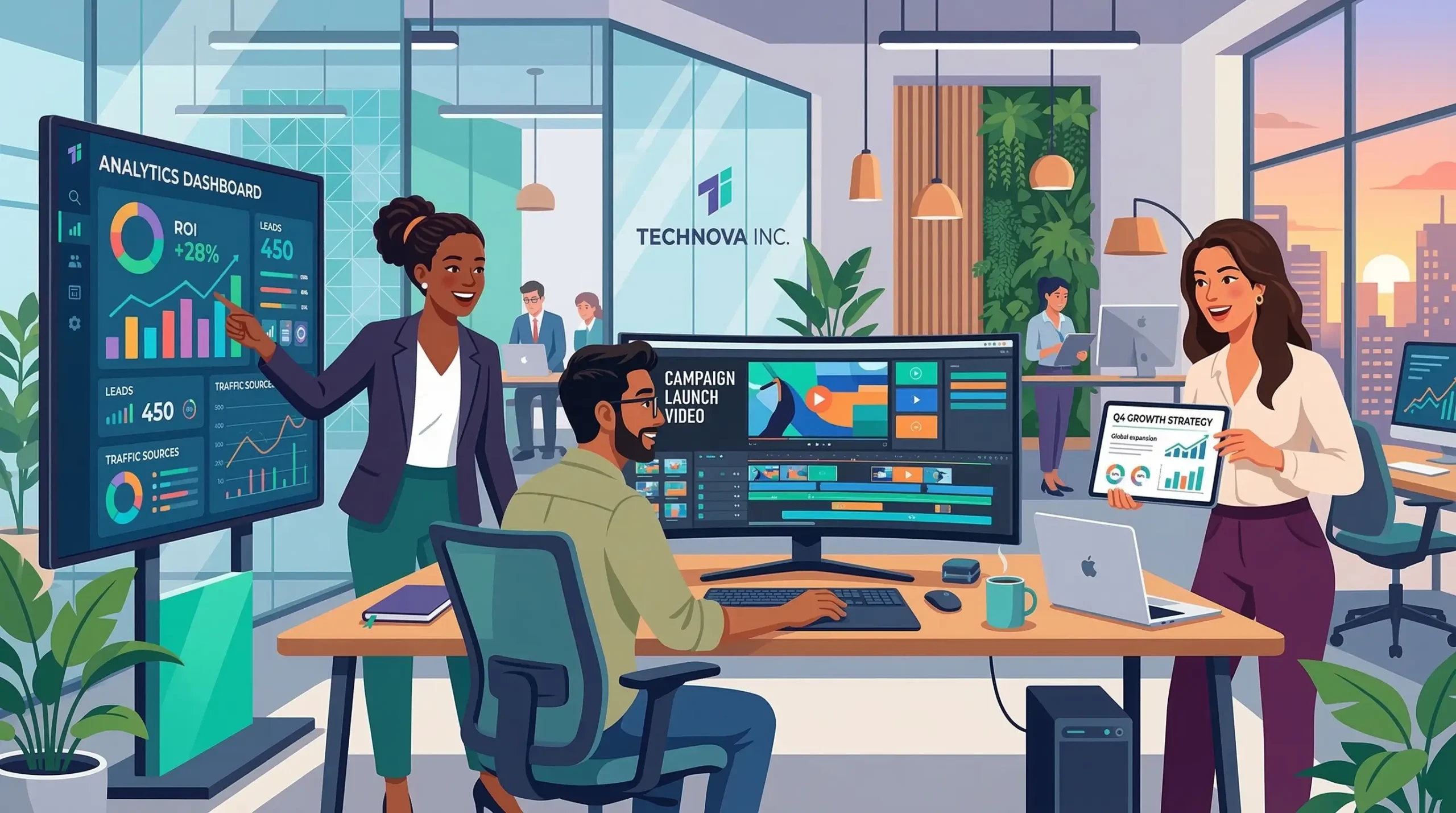
B2B Marketers & Agencies:
Building an offline swipe file of competitor ads to reverse-engineer their video hooks and copywriting.
Video Editors:
Downloading high-converting ads to use as a mood board or pacing reference for their next client project.
Sales Teams:
Saving product demo ads from competitors to train their reps on how to handle objections.
How to Save LinkedIn Ads on Any Device?
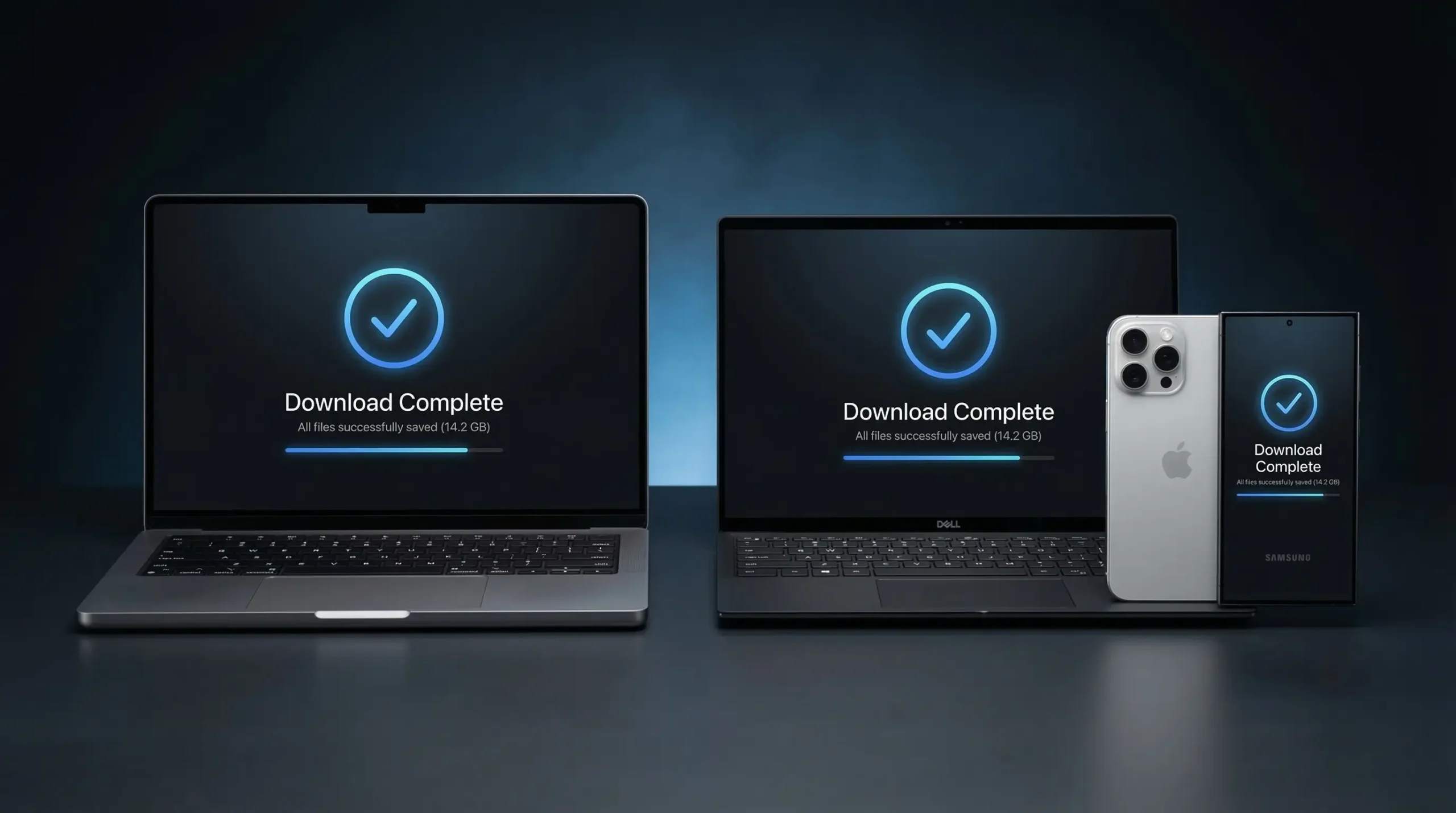
You don’t need to be sitting at your work desk to rip a great ad. Because LnkdDownloader is entirely web-based, it works flawlessly on any operating system without installing sketchy software. Here is how to use it on your preferred device.
🍏 How to Download on iPhone (iOS) & iPad
Saving a competitor’s ad while commuting or scrolling right before bed is incredibly easy on iOS.
- Open the LinkedIn app and find the ad video or carousel.
- Tap the three dots (…) in the corner of the ad, then tap Share via… and select Copy Link.
- Open Safari (or Chrome) and go to Lnkddownloader.com.
- Paste the link and tap the blue Media Fetch button.
- Tap Download. The video will ask if you want to view or download; choose download, and it will be saved directly to your iPhone’s Files App or Camera Roll.
🤖 How to Download on Android
The process for Android users is nearly identical to iOS, and it works perfectly on Samsung, Pixel, and OnePlus devices.
- While scrolling the LinkedIn app, look for the Sponsored post you want to save.
- Tap the Share arrow icon below the ad (or the three dots) and hit Copy Link.
- Open your mobile browser (like Google Chrome) and paste the link into the search box on our site.
- Hit Media Fetch.
- Tap Download. Chrome will instantly save the MP4 video or high-res images directly into your Android device’s Downloads Folder or Gallery.
💻 How to Download on Mac (macOS)
If you are on your MacBook building a swipe file or mood board for your creative team, here is the fastest workflow:
- When viewing the LinkedIn feed on Safari or Chrome, click the three dots on the top right of the ad.
- Click Copy link to post from the dropdown menu.
- Open a new tab, head to our homepage, and Paste (
Cmd + V) the link. - Click Media Fetch.
- Hit Download, and the original HD file will be saved directly into your Mac’s Downloads folder, ready to be dropped into Slack or Premiere Pro.
🪟 How to Download on Windows PC
Windows users don’t need to mess with browser extensions or developer tools to save B2B ads.
- Scroll your feed until you spot a video, PDF, or image ad you need to keep.
- Click the three dots (…) located at the top right of the post.
- Select Copy link to post.
- Jump over to a new tab in Chrome, Edge, or Firefox, and Paste (
Ctrl + V) the link into the LnkdDownloader search box. - Click Media Fetch and then hit Download. The watermark-free file will save straight to your PC’s Downloads folder.
Why Marketers Choose LnkdDownloader
If you’ve tried other downloaders, you know they are often stuffed with spam or simply break because they can’t handle unique video formatting. Here is why our tool is the go-to choice:
- Total anonymity: You don’t need to link your account or install a shady browser extension. The advertiser will never know you downloaded their ad.
- No annoying watermarks: We don’t stamp our logo across your saved videos. You get the original file exactly as it was uploaded to the platform.
- Lightning fast: No waiting in queues. Our servers process the links instantly so you can get back to your work.
Why LnkdDownloader Beats the Competition
Most “free” ad downloaders on the market either force you to install sketchy browser extensions or hit you with a paywall after three downloads. We built this tool to be different and better.
Here is how LnkdDownloader stacks up against the average LinkedIn downloader out there:
| Feature | LnkdDownloader.com 🚀 | Other Downloaders ❌ |
|---|---|---|
| Price | 100% Free Forever | Bait-and-switch paywalls |
| Downloads per day | Unlimited | Capped at 3-5 downloads |
| Account Required? | No Login Needed | Forces you to connect LinkedIn |
| Media Supported | Video, Carousels, Images, GIFs | Usually Video Only |
| Installation | None (Web-Based) | Requires Chrome Extensions |
| Privacy | Total Anonymity | Tracks your download history |
| Video Quality | Original HD (1080p/720p) | Compressed & Blurry |
| Watermarks | Zero Watermarks | Stamps their logo on your file |
Stop Losing Great Ads to the Feed Refresh
We’ve all been there: you see a brilliant video ad, get distracted by a Slack message, and when you look back, the feed has refreshed. The ad is gone.
By making it a habit to copy the link and download the ad immediately, you are building an invaluable database of marketing inspiration. Don’t rely on the built-in “Save for Later” feature, if the company pauses the ad budget, your saved bookmark becomes a dead link. Save it locally and keep it forever.
Try Our Other Free LinkedIn Tools
If you are serious about building your personal brand or analyzing your competition on LinkedIn, a video downloader isn’t the only thing you need. We’ve built a full suite of free tools to streamline your process. Try them out below:
Video Guide:
Linkedin Guides for Newbies
-
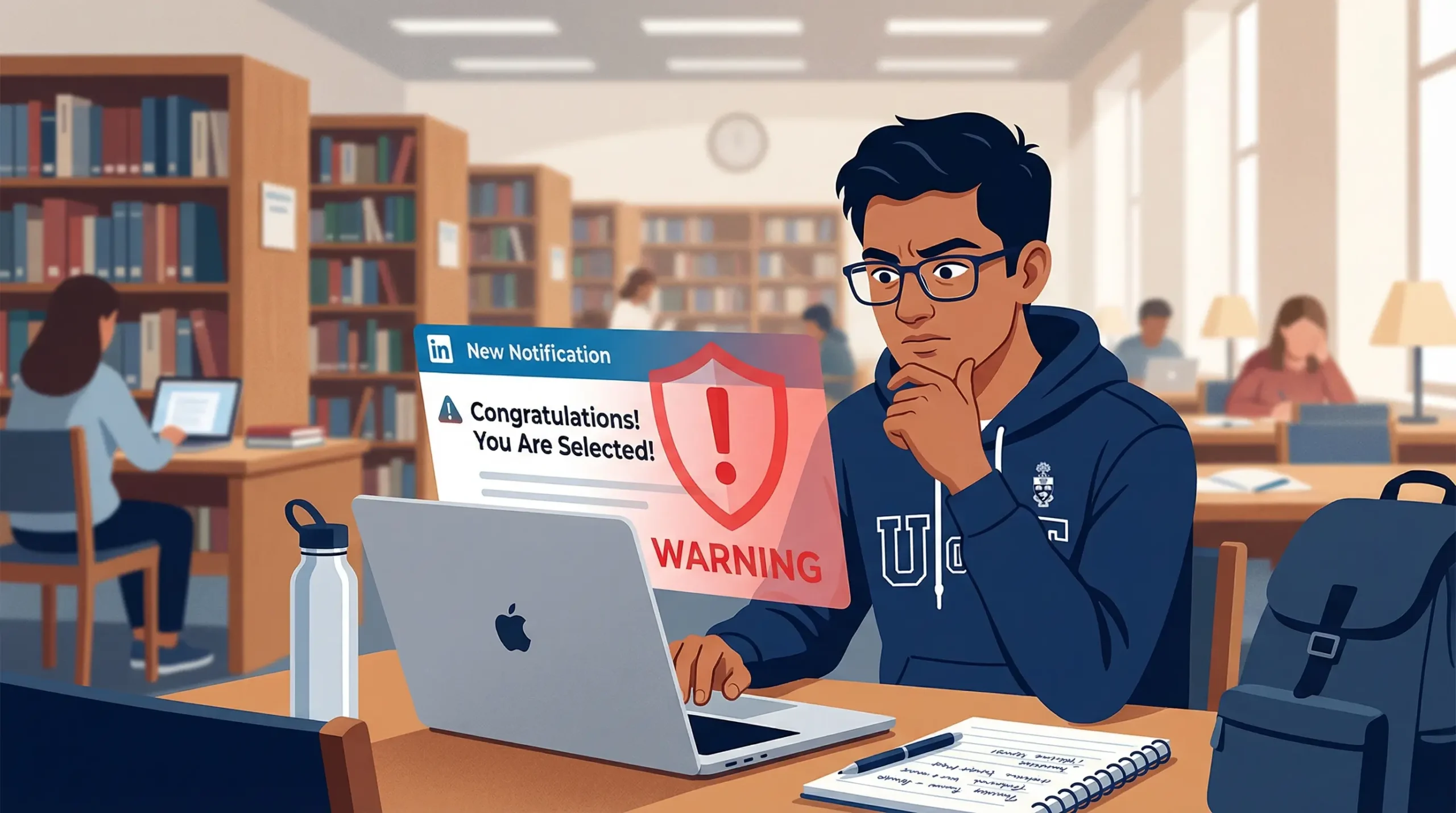
Fake Internship Scams on LinkedIn: Red Flags & How to Stay Safe (2026)
Finding your first internship is exciting. You open LinkedIn, scroll through opportunities, and suddenly you get…
-
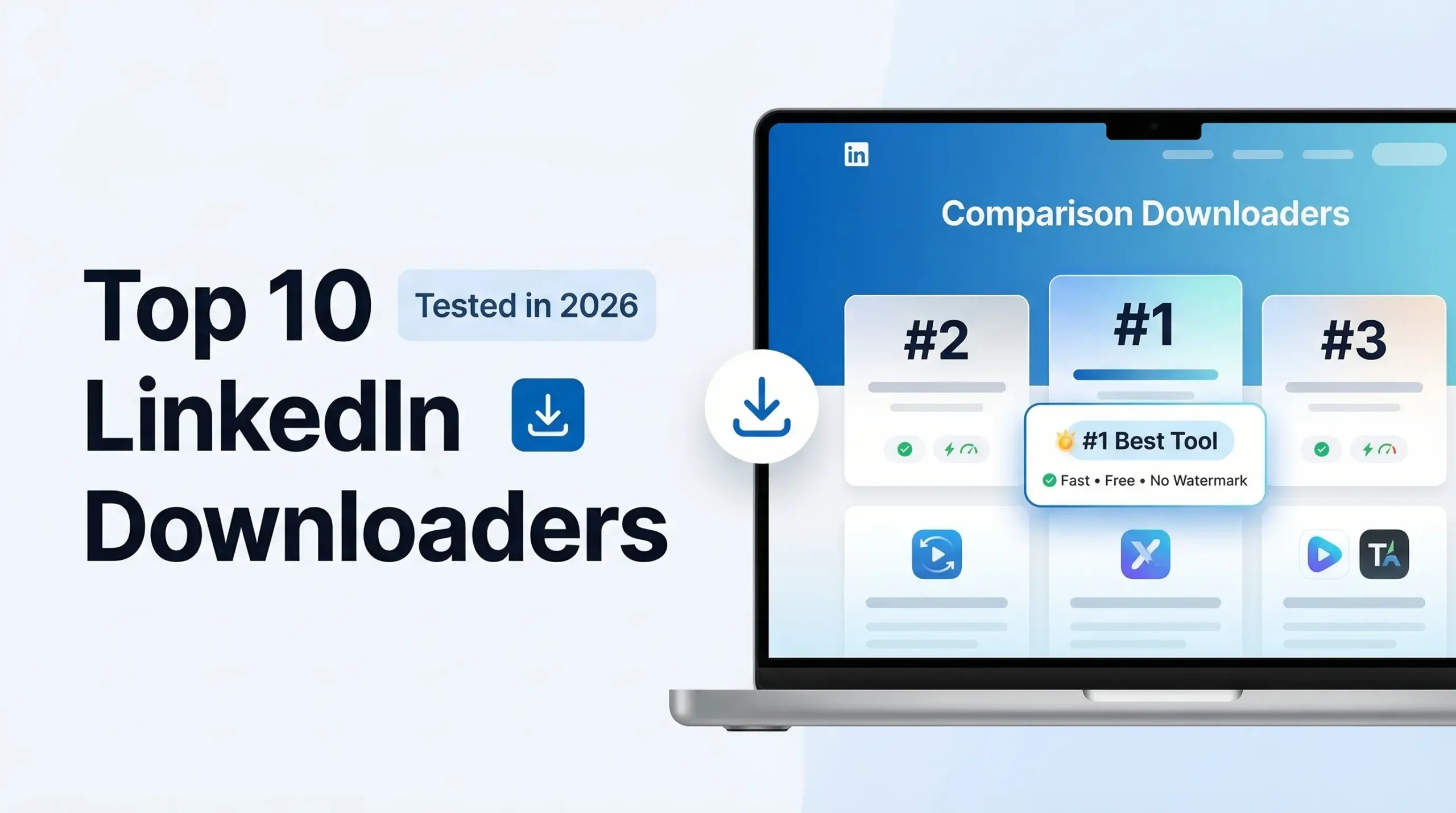
Best LinkedIn Video Downloaders 2026 – We Tested 10 (Honest Ranking Inside)
It started with a competitor’s video ad I couldn’t stop thinking about. Slick production. A hook…
-
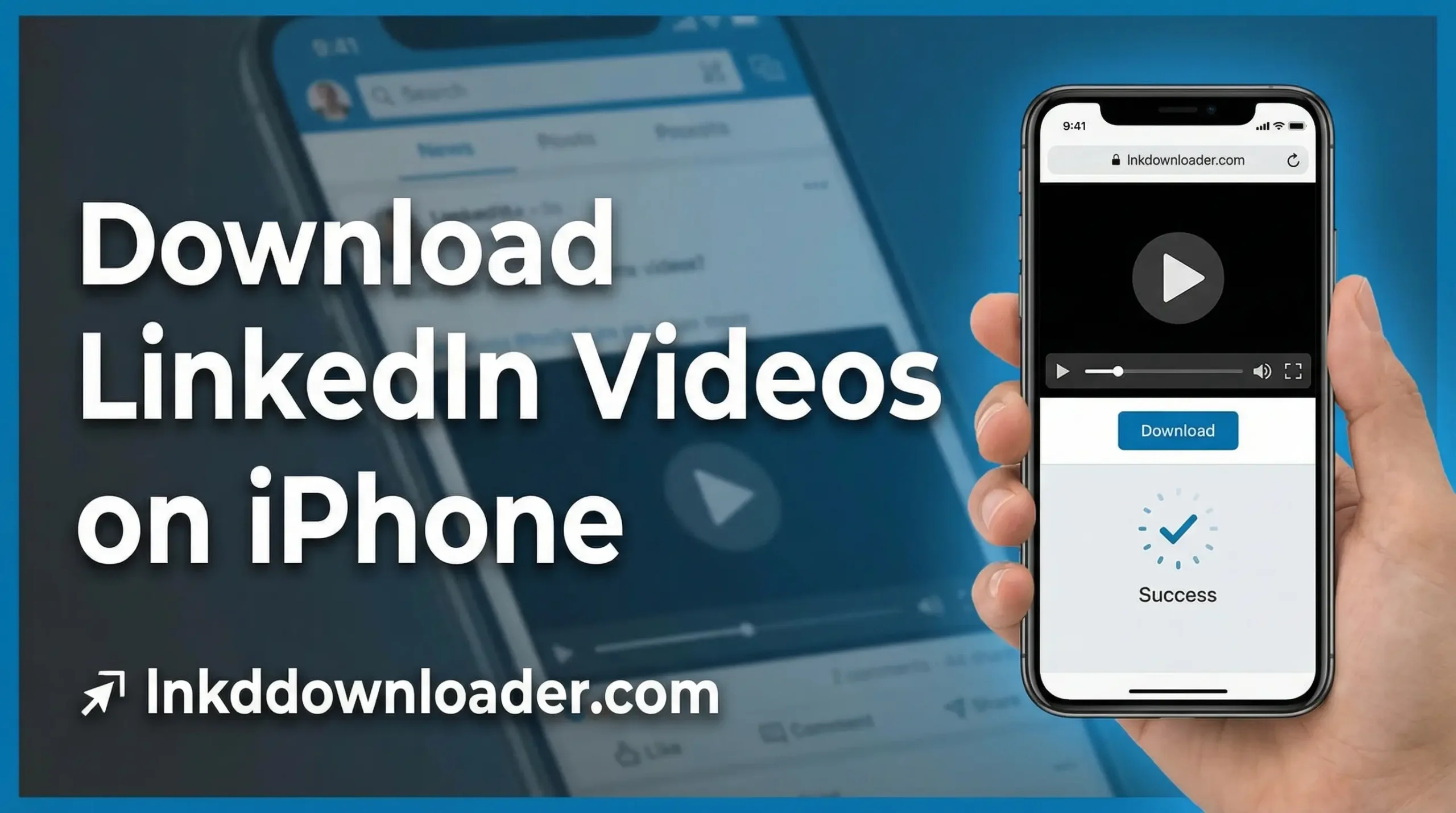
Download LinkedIn Videos on iPhone (Step-by-Step)
LinkedIn videos are no longer limited to short updates. Today, professionals share career advice, interviews, tutorials,…