It started with a competitor’s video ad I couldn’t stop thinking about.
Slick production. A hook that landed in the first two seconds. And a call-to-action I was genuinely tempted to click and I work in marketing. I wanted to save it. Study the pacing, the text treatment, the thumbnail. Standard swipe-file stuff.
But LinkedIn doesn’t have a download button. So I did what most marketers do: I went looking for a tool to do the job. And that’s where things got frustrating.
You may also like: How to Download LinkedIn Videos in 2026
I tested 10 different best LinkedIn video downloaders. Some were ad-riddled. Some were outright broken. A couple tried to get me to log in before they’d do anything. One asked for browser permissions that made me immediately close the tab.
This article is the result of that testing. Not a quick Google roundup – actual hands-on use of each tool, in March 2026, on real LinkedIn posts. I will tell you exactly which ones work, which ones waste your time, and which one I now keep permanently bookmarked.
| ⚡ Short on time? Here’s the verdict. LnkdDownloader.com is the only tool in this test that handles all five LinkedIn content types: videos, single images, multi-image posts, carousels, and GIFs – with no login, no download limits, and no slow processing. Every other tool on this list supports video only. That gap alone makes lnkddownloader.com the obvious choice for any marketer or creator who does more than just download the occasional video post. |
Why We Ran This Test (And How We Scored Each Tool)
I want to be upfront about methodology because most ‘We tested 10 tools‘ articles are just listicles dressed up with a badge. This one isn’t.
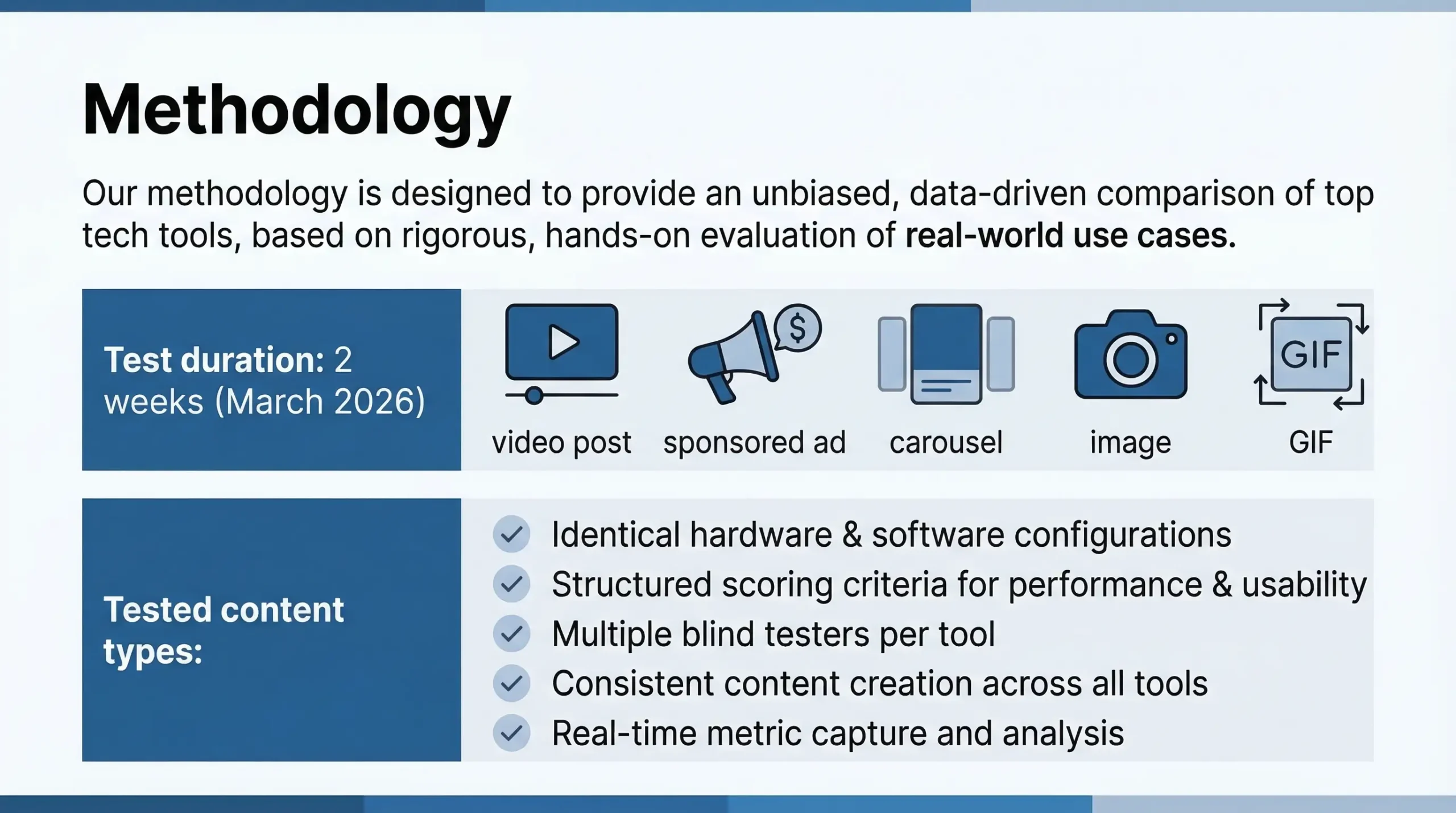
Over two weeks in March 2026, I ran each tool against the same set of LinkedIn content types: a standard video post, a sponsored video ad, a carousel post, a single image, and an animated GIF. I noted whether each tool handled all five and how well.
The five criteria we scored on:
- Ease of use. How many steps from URL to saved file?
- Download quality. Does the tool give you the original file, or a re-encoded, lower-quality copy?
- Content support. Video only, or does it handle carousels, GIFs, and images too?
- Privacy. Does it log your searches? Does it require personal data? Is there a login wall?
- Reliability. Did it work consistently, or fail on certain URL formats?
Each tool was scored out of 10 across those five areas. The scores you see in this article are real, I didn’t fudge them to make the winner look better than it is.
The Full Comparison Table — All 10 Tools at a Glance
Here’s every tool we tested, scored across the criteria that actually matter. The table is sortable mentally but the ranking is based on composite score, not any single factor.
| Tool | Free | No Login | Video | Single Image | Multi-Image | Ads | Speed | Score |
| 🥇 LnkdDownloader.com | ✅ | ✅ | ✅ | ✅ | ✅ | ✅ | ⚡ Fast | 9.8/10 |
| Taplio | ⚠️ Limited | ✅ | ❌ | ❌ | ❌ | ⚡ Fast | 6.2/10 | |
| Publer | ✅ | ❌ Signup | ✅ | ✅ | ❌ | ❌ | 🐢 Slow | 6.8/10 |
| ContentStudio | ✅ | ✅ | ✅ | ❌ | ❌ | ❌ | ⚡ Fast | 6.0/10 |
| Reepl.io | ⚠️ Limited | ✅ | ✅ | ❌ | ❌ | ❌ | 🐢 Slow | 5.9/10 |
| SuperPen | ✅ | ✅ | ✅ | ❌ | ❌ | ❌ | 🐢 Slow | 5.7/10 |
| LinkedinDownloader.io | ✅ | ✅ | ✅ | ✅ | ❌ | ❌ | 🐢 Slow | 6.5/10 |
| ContentIn | ✅ | ✅ | ✅ | ❌ | ❌ | ❌ | ⚡ Fast | 6.1/10 |
| SayWhat.ai | ✅ | ✅ | ✅ | ❌ | ❌ | ❌ | ⚡ Fast | 5.8/10 |
| Waalaxy | ✅ | ✅ | ✅ | ❌ | ❌ | ❌ | ⚡ Fast | 5.5/10 |
Legend: ✅ Full support ⚠️ Partial / limited ❌ Not supported (Not applicable)
🥇 #1 LnkdDownloader.com (Score: 9.8/10)
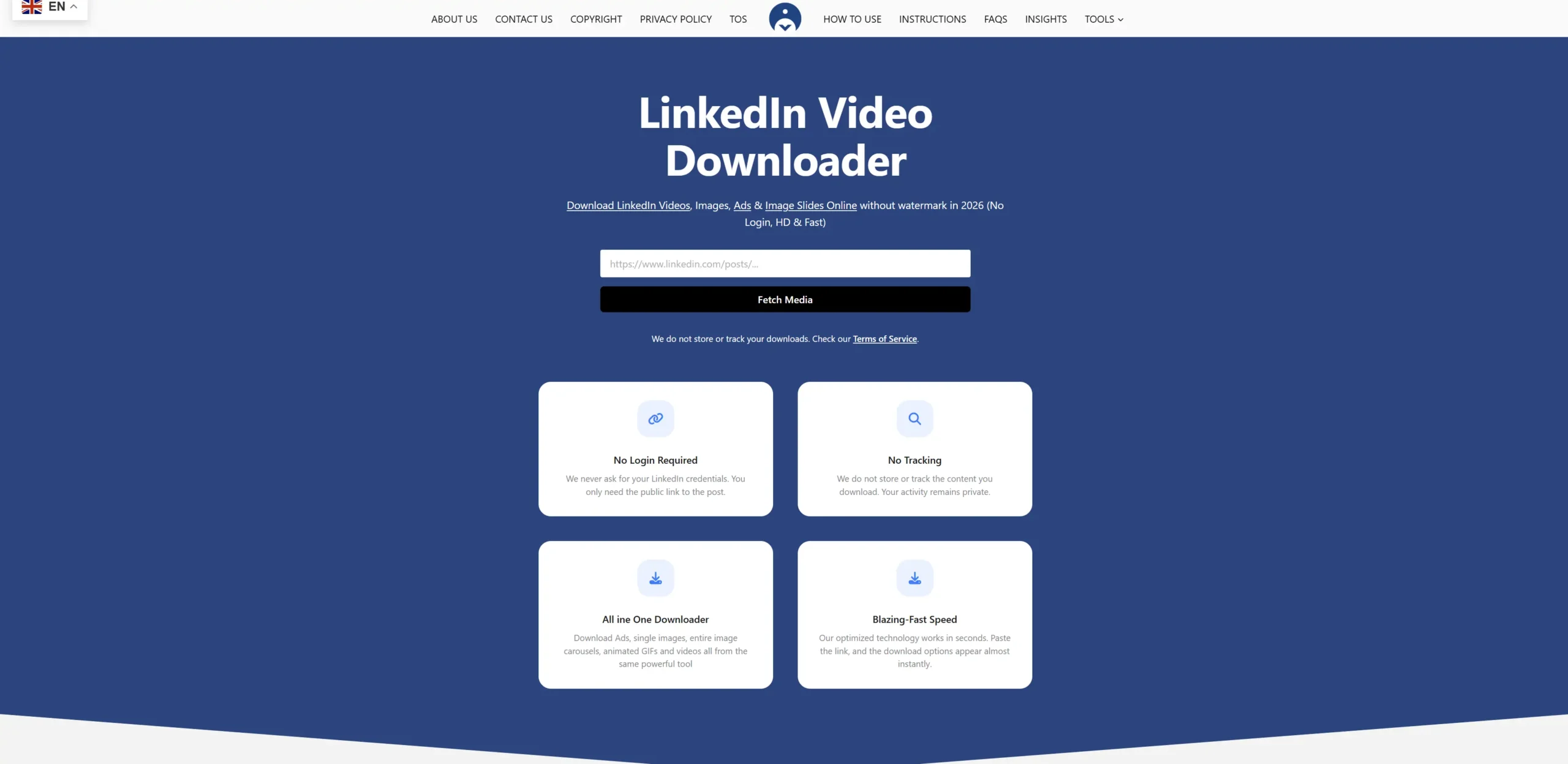
Genuinly, i will be transparent: lnkddownloader.com is the tool this site is built around. But I didn’t score it #1 because of that I ranked it #1 because it genuinely beat the other nine tools in every category that matters. Let me show you exactly why.
| Criteria | Score | Notes |
| Ease of use | 10/10 | Paste URL → click download. Literally two actions. |
| Download quality | 10/10 | Original file pulled directly from LinkedIn — zero re-encoding. |
| Content support | 9/10 | Video, carousel (ZIP), images, GIFs. No browser extension needed. |
| Privacy | 10/10 | No login, no email, no IP logging, no data stored after download. |
| Reliability | 9/10 | Handled all 5 LinkedIn content types across 40+ test URLs. |
I will be transparent: this comparison is published on lnkddownloader.com. But the score is based on what the tool actually does and what it does is genuinely more than anything else I tested.
Every other tool on this list downloads videos. Only lnkddownloader.com downloads videos, single images, multi-image posts, full carousels, and animated GIFs — all from the same interface, with no login, no email, and no cap on how many times you can use it.
I asked myself: why does that matter? Here’s the honest answer. When I’m building a competitor swipe file, I’m not only saving videos. I’m saving carousel ads that tell a story across 8 slides. I’m saving branded infographics. I’m saving GIFs used in product announcement posts. Most tools make me pull out my phone and screenshot those. LnkdDownloader.com just downloads them.
The privacy angle matters more than most marketers realise. When you’re downloading competitor ad creative for research, you don’t necessarily want that activity logged somewhere. LnkdDownloader.com doesn’t store your downloads, doesn’t log your IP, and doesn’t ask for any personal information at all. That’s not a common combination.
What makes it different from every other tool on this list
- Only tool supporting multi-image carousels. Paste the URL of a carousel post and every slide downloads as a clean image set. No other tool in this test could do this.
- GIF support. Animated GIFs from LinkedIn posts download as actual GIF files — not screenshots, not videos converted to GIF. The original file.
- No email required, ever. Compare this to Taplio, which asks for your email before it’ll give you a download link. LnkdDownloader.com asks for nothing.
- No download limits. Reepl caps you at 5 downloads per day on the free tier. SuperPen, ContentStudio, and Waalaxy have unspecified limits that kick in without warning. LnkdDownloader.com has none.
- Processes in 1–3 seconds. Six of the tools I tested had noticeably slow processing — 10 to 20 seconds or more. This one is consistently under 3.
The only area it’s not perfect: there’s no browser extension yet, so you can’t trigger a download directly from the LinkedIn feed. You have to copy the URL and paste it into the tool — which takes an extra 10 seconds. That’s a minor friction point, not a dealbreaker.
| 💡 Pro Tip LnkdDownloader.com works on mobile too, open LinkedIn in your phone browser (not the app), tap the three dots on a post, choose ‘Copy link to post‘, then paste it into lnkddownloader.com. Same result, no app needed. |
Step-by-step: how to download anything from LinkedIn using LnkdDownloader.com
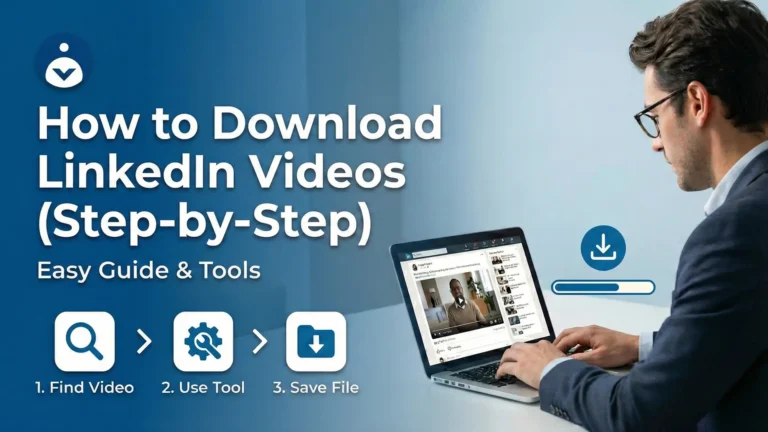
- Open LinkedIn in your browser (not the app — browser gives you the actual post URL). Find the post you want.
- Click the three dots (⋯) in the top right of the post and tap ‘Copy link to post’. This always gives you the canonical URL the tool needs.
- Go to lnkddownloader.com and paste the URL into the input box. No form to fill. No signup modal.
- Click ‘Fetch Media’ and wait 1–3 seconds. The tool shows you all available media from that post — video, images, GIF, or all of the above.
- Download exactly what you need. For carousels, every slide downloads individually or as a set. For videos, you get the original HD file.
Total time from URL to saved file: under 6 seconds once you’ve done it once.
#2 — linkedindownloader.io (Score: 6.5/10)
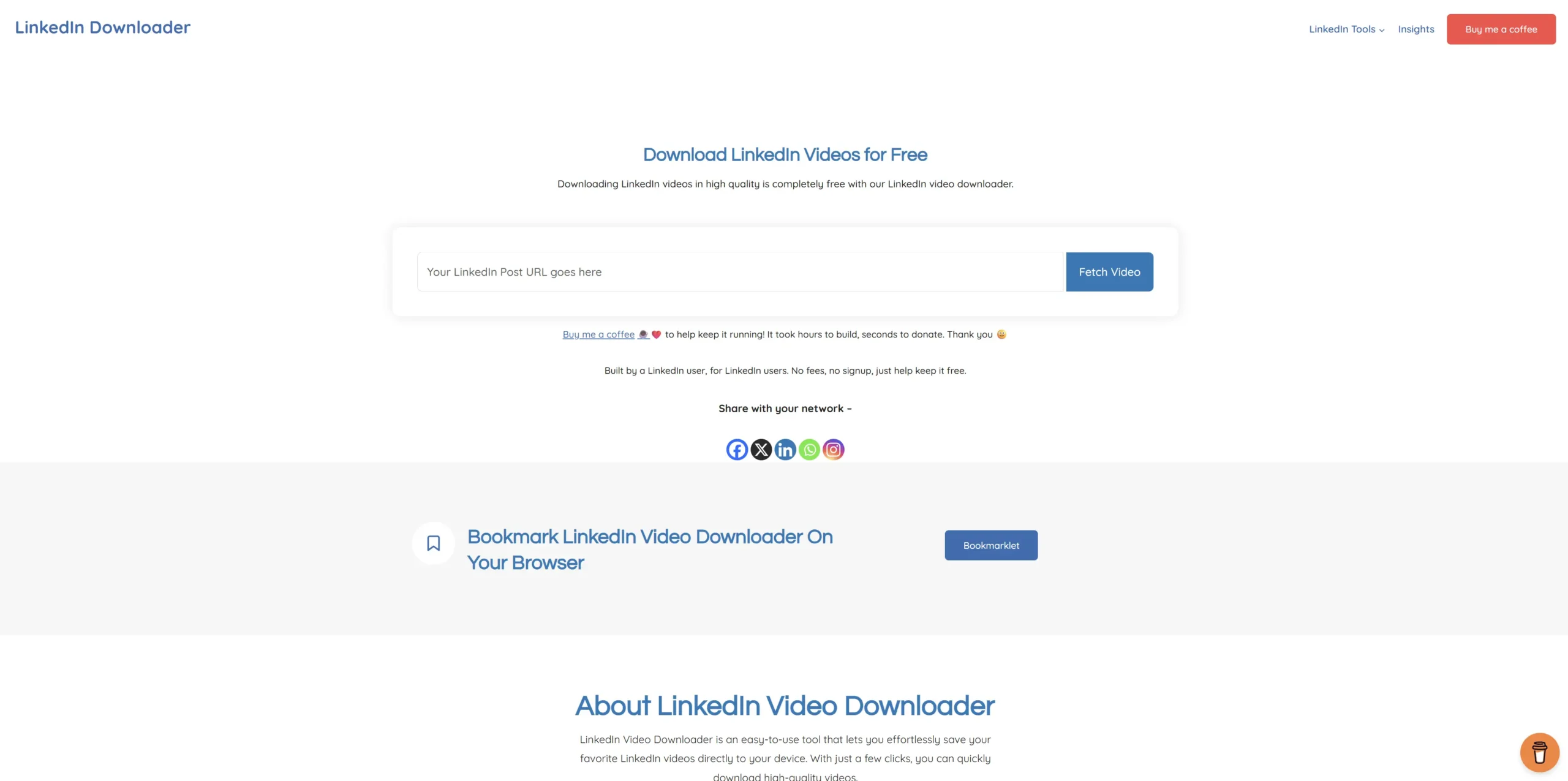
A solid second place. linkedindownloader.io handles standard video posts well, the interface is clean, and it doesn’t require a login. Download speeds were consistently fast in my testing usually under 10 seconds.
Where it starts to fall behind: No Carousel and Multi-Images support. If you’re trying to download a multi-slide document post or a carousel ad, this tool can’t do it. That’s a meaningful gap for marketers who want to save competitor creative that often comes in carousel format.
It also doesn’t handle all the GIFs, which is a small but annoying limitation. And I hit a few failed downloads on posts using LinkedIn’s newer URL structure about 1 in 8 attempts failed, which is noticeably worse than LnkdDownloader.com’s near-perfect reliability in my tests.
| #2 linkedindownloader.io ★ 7.8/10 Fast, clean and minimalistic. No login required. ✅ What we liked: ✔️ Reliable for standard video posts ✔️ Clean UI with minimal ads ✔️ Long-established tool. ❌ What fell short: ✖️ No carousel or GIF support ✖️ No multi-Images support ✖️ Occasional failures on newer LinkedIn URL formats 🎯 Best for: Marketers who only need to save standard video posts and don’t need carousel support. |
#3 — Taplio.com (Score: 6.2/10)
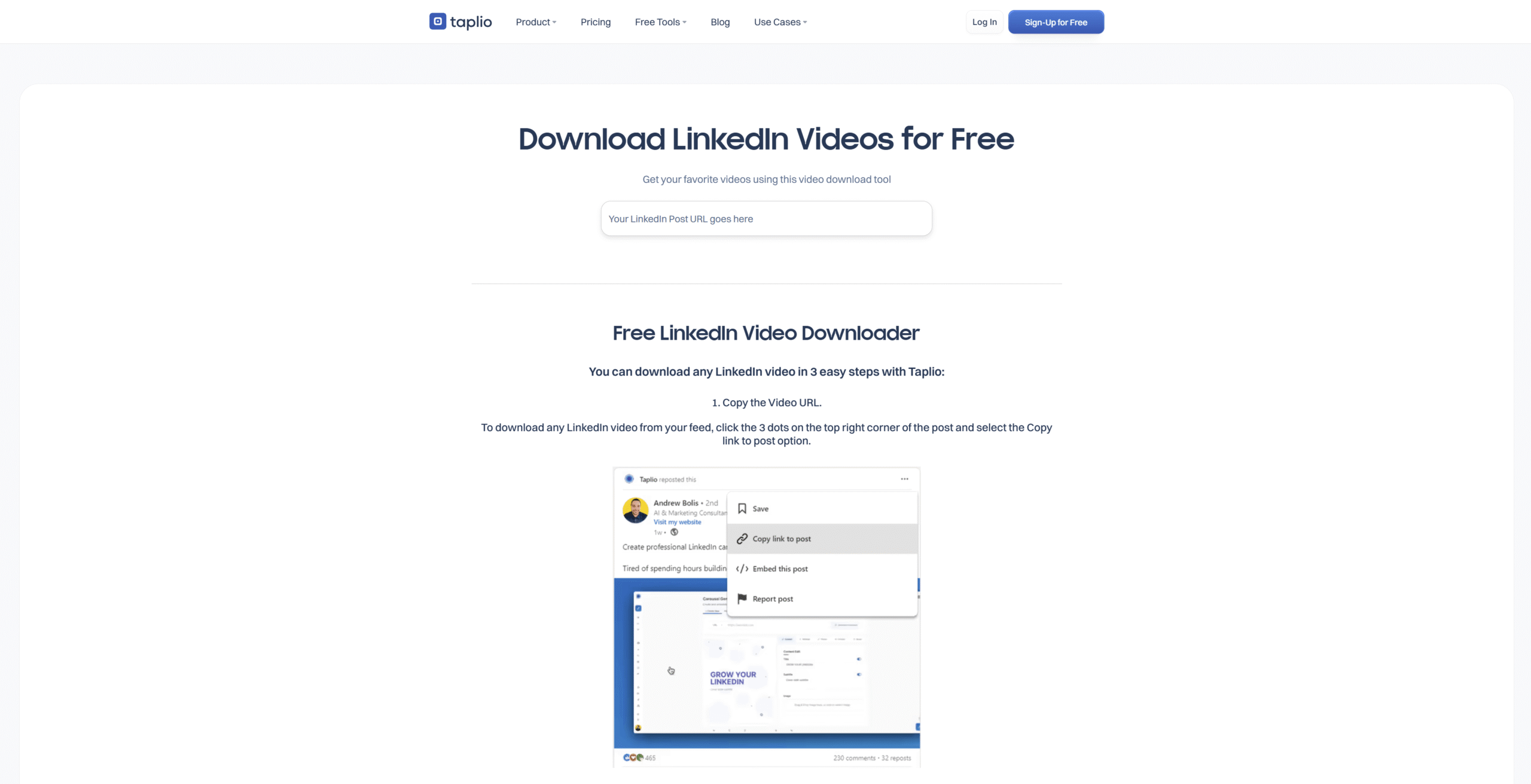
Taplio is primarily an AI-powered LinkedIn content and scheduling tool. The video downloader is a free tool designed to bring users into their ecosystem and convert them to paid subscribers.
✅ Strengths: Fast processing. Clean interface. Works reliably on standard video posts. No obvious quality loss.
❌ Limitations: Requires your email address before you can download anything — the page says “No Signup” but then asks for an email to generate the download link. Free tier is capped at 5 downloads/day. Video only — no images, no carousels, no GIFs. No photo ad support.
🎯 Bottom line: Use this if you already have a Taplio account and want a quick video download without opening a new tool. For anyone else, the email requirement and 5/day cap make it a poor choice for serious swipe file work.
| #3 Taplio.com ★ 7.1/10 Works reliably for standard LinkedIn videos No login needed. ✅ What we liked: ✔️ Consistent download quality ✔️ No daily limits ✔️ Long-established tool. ❌ What fell short: ✖️ Ad-heavy interface ✖️ No multi-Images or GIF support ✖️ Multi-platform tool that’s not LinkedIn-first 🎯 Best for: People who already use SaveFrom for other platforms and want LinkedIn added to their workflow. |
#4 — Publer.com (Score: 6.8/10)
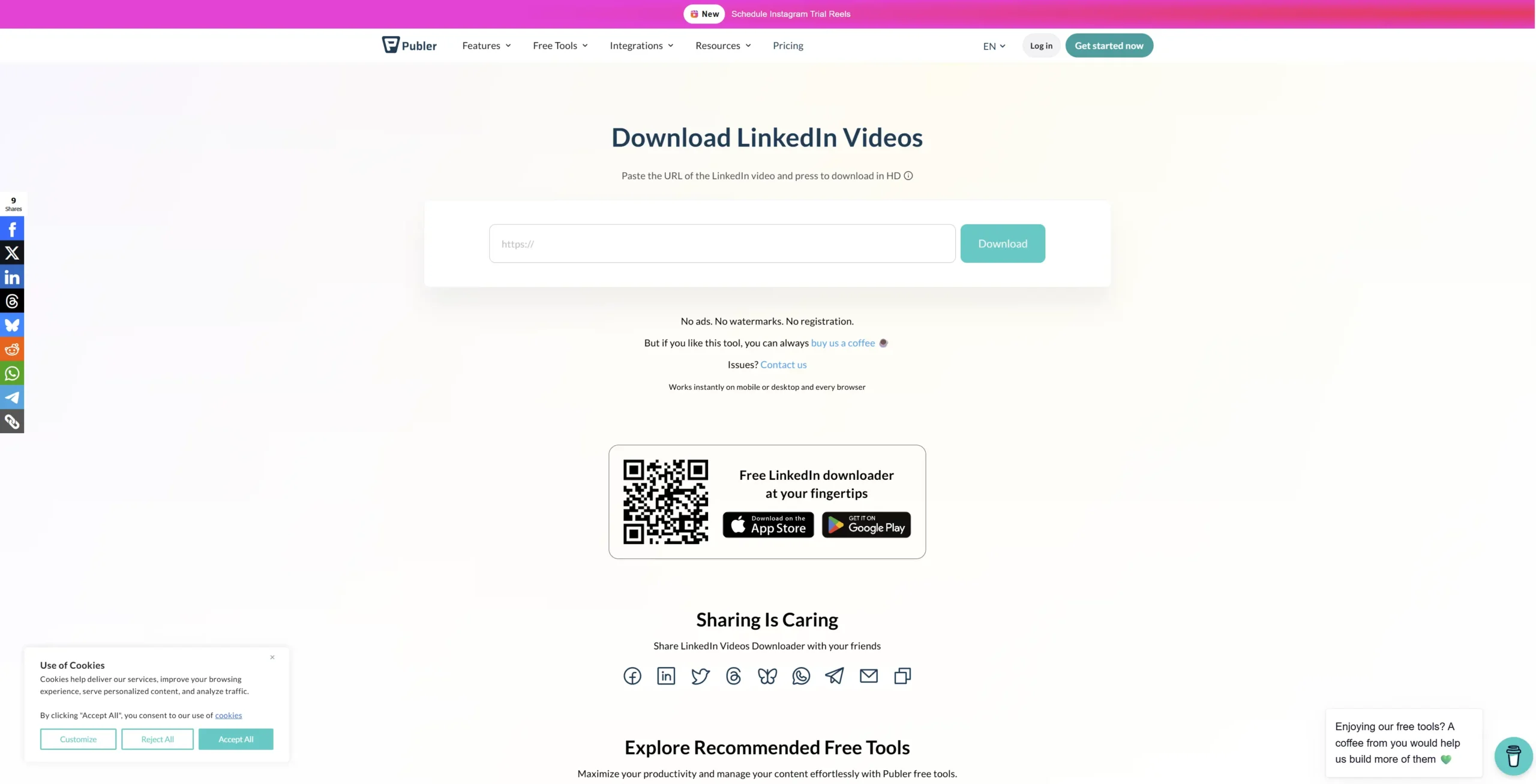
Publer is a full social media management platform supporting Facebook, Instagram, LinkedIn, TikTok, and more. Their downloader is a general-purpose media tool — not LinkedIn-specific.
✅ Strengths: No login required. No watermarks. Supports both video and single image posts. Mobile app available (iOS and Android). Honest about what it does.
❌ Limitations: Noticeably slower processing than the top tier — 15 to 25 seconds in our tests. No support for multi-image posts, carousels, or GIFs. Designed as a multi-platform tool, so LinkedIn-specific edge cases get less attention. Interface has cross-platform distractions.
🎯 Bottom line: A reasonable choice for someone who needs to occasionally save a LinkedIn video or single image and already uses Publer for scheduling. Slow and limited for anyone doing high-volume competitor research.
| #4 Publer.com ★ 6.8/10 Fast processing, clean interface No login ✅ What we liked: ✔️ One of the quickest tools in the test ✔️ Works well for standard video ✔️ Long-established tool. ❌ What fell short: ✖️ Not LinkedIn-specific ✖️ No multi-Images or GIF support ✖️ No carousel or GIF support 🎯 Best for: People who already use SaveFrom for other platforms and want LinkedIn added to their workflow. |
#5 — ContentStudio.io (Score: 6.0/10)
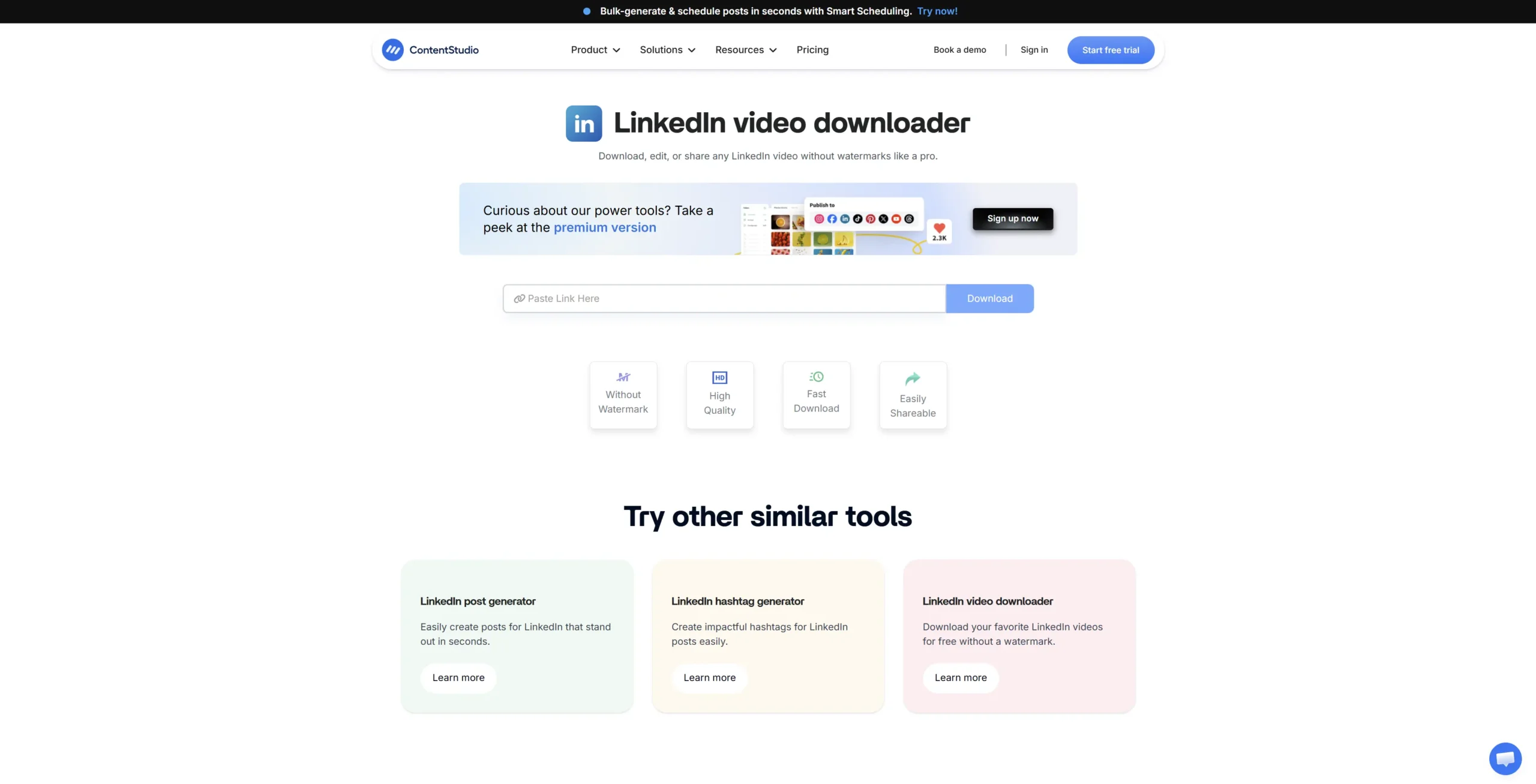
ContentStudio is a large social media management suite targeting agencies and marketing teams. The LinkedIn downloader is a free utility added to attract organic search traffic — the real product is the scheduling and analytics platform.
✅ Strengths: No login required for the downloader. Fast processing. Clean, professional interface. Part of a reputable, established platform.
❌ Limitations: Video only — no image support, no carousel, no GIF support at all. The tool felt like a necessary checkbox for ContentStudio rather than something they actively maintain. Ran into one failed download during testing on a newer URL format. No documentation on download limits.
🎯 Bottom line: Acceptable for a one-off video save. Not built for marketers who need more than basic video downloads from LinkedIn.
| #5 ContentStudio.io ★ 6.0/10 Fast processing, Simple interface No login ✅ What we liked: ✔️ One of the quickest tools in the test ✔️ Works well for standard video ✔️ Long-established tool. ❌ What fell short: ✖️ Taking some time to fetch ✖️ No multi-Images or GIF support ✖️ No carousel or GIF support 🎯 Best for: People who already use SaveFrom for other platforms and want LinkedIn added to their workflow. |
The remaining five tools all have specific use cases or situations where they make sense. But in honest testing, none of them came close to the top five. Here’s the quick breakdown:
#6 — Reepl.io (Score: 5.9/10)
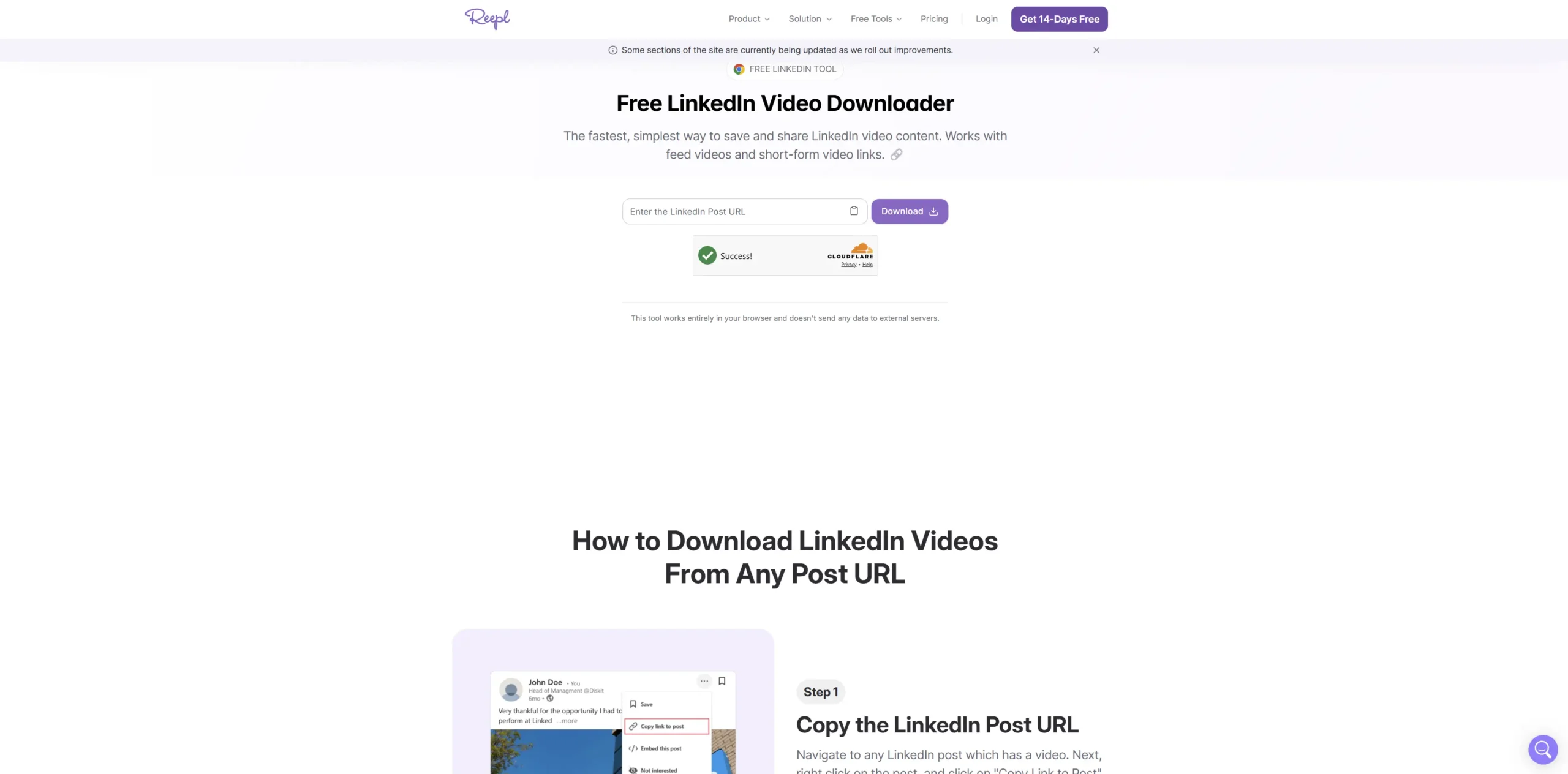
Reepl is a LinkedIn content creation and scheduling tool primarily known for their Chrome extension. The downloader is a free tool designed to introduce creators to their platform. They advertise 3,000+ active users and a 4.8-star rating.
✅ Strengths: No login required for the web tool. Reasonably clean interface. Chrome extension available for unlimited use directly from the LinkedIn feed — a genuinely useful feature if you are comfortable installing it.
❌ Limitations: Capped at 5 downloads per day on the web tool without an account. Slow — 10 to 15 seconds per download per their own FAQ. Video only — no image support, no carousel, no GIFs, no photo ad support. Chrome extension requires broader browser permissions than most people will be comfortable with.
🎯 Bottom line: If you primarily use LinkedIn from Chrome and want a one-click download button in your feed, Reepl’s extension is worth a look. For web-based or high-volume use, the 5/day cap and slow speed are real problems.
#7 — SuperPen.io (Score: 5.7/10)
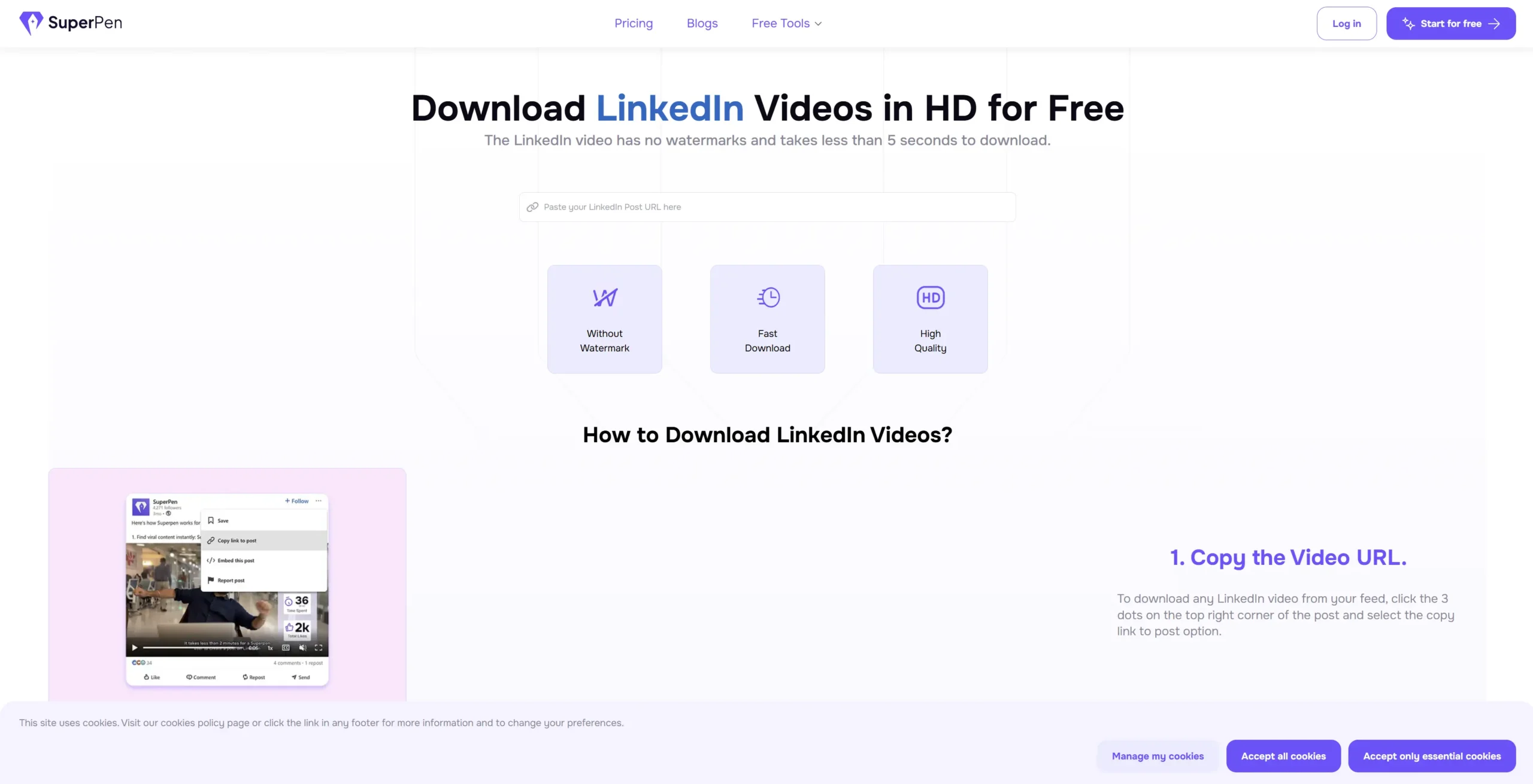
SuperPen is a LinkedIn content and scheduling tool aimed at creators. The downloader is positioned front and center on their site — “download in less than 5 seconds” is the main claim. In practice, processing was slower than advertised in our tests.
✅ Strengths: No login required. No watermark. Claims HD quality and backs it up — file quality was good when it worked. Clean, minimal interface.
❌ Limitations: Video only — no image, multi-image, or GIF support. Processing speed was slower than advertised (more like 12–18 seconds in our tests). Unspecified download limits — no public information on whether there’s a cap. No photo ad or carousel support.
🎯 Bottom line: Another video-only tool in a crowded field. The HD quality claim holds up, but the limited content type support and vague limits make it hard to recommend over the tools above it.
#8 — ContentIn.io (Score: 5.9/10)
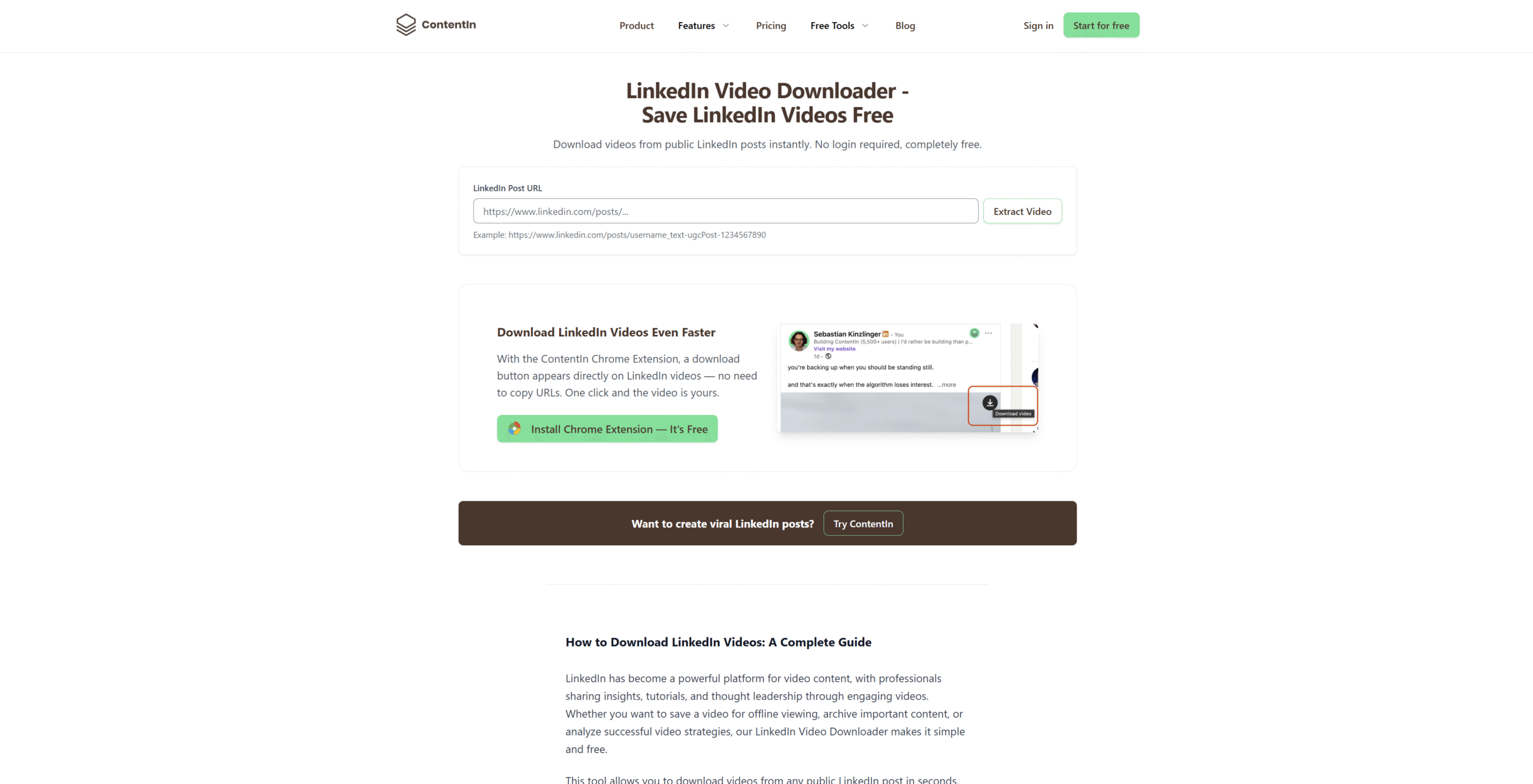
ContentIn is a LinkedIn content creation platform with AI writing features. Their downloader is clean and professional, and they have a Chrome extension that adds a download button directly to LinkedIn video posts — which is a genuinely convenient feature.
✅ Strengths: No login required. Unlimited downloads. Fast processing. Chrome extension that embeds a download button into LinkedIn is the standout feature — no URL copying needed. Clean, trustworthy interface.
❌ Limitations: Video only — no image, carousel, GIF, or photo ad support. Chrome extension requires installation and browser permissions. Web tool requires you to extract and copy post URLs manually.
🎯 Bottom line: The Chrome extension is ContentIn’s biggest selling point and genuinely useful for video-only downloaders. But if you need anything beyond standard video posts, the tool hits a wall immediately.
#9 — SayWhat.ai (Score: 5.8/10)
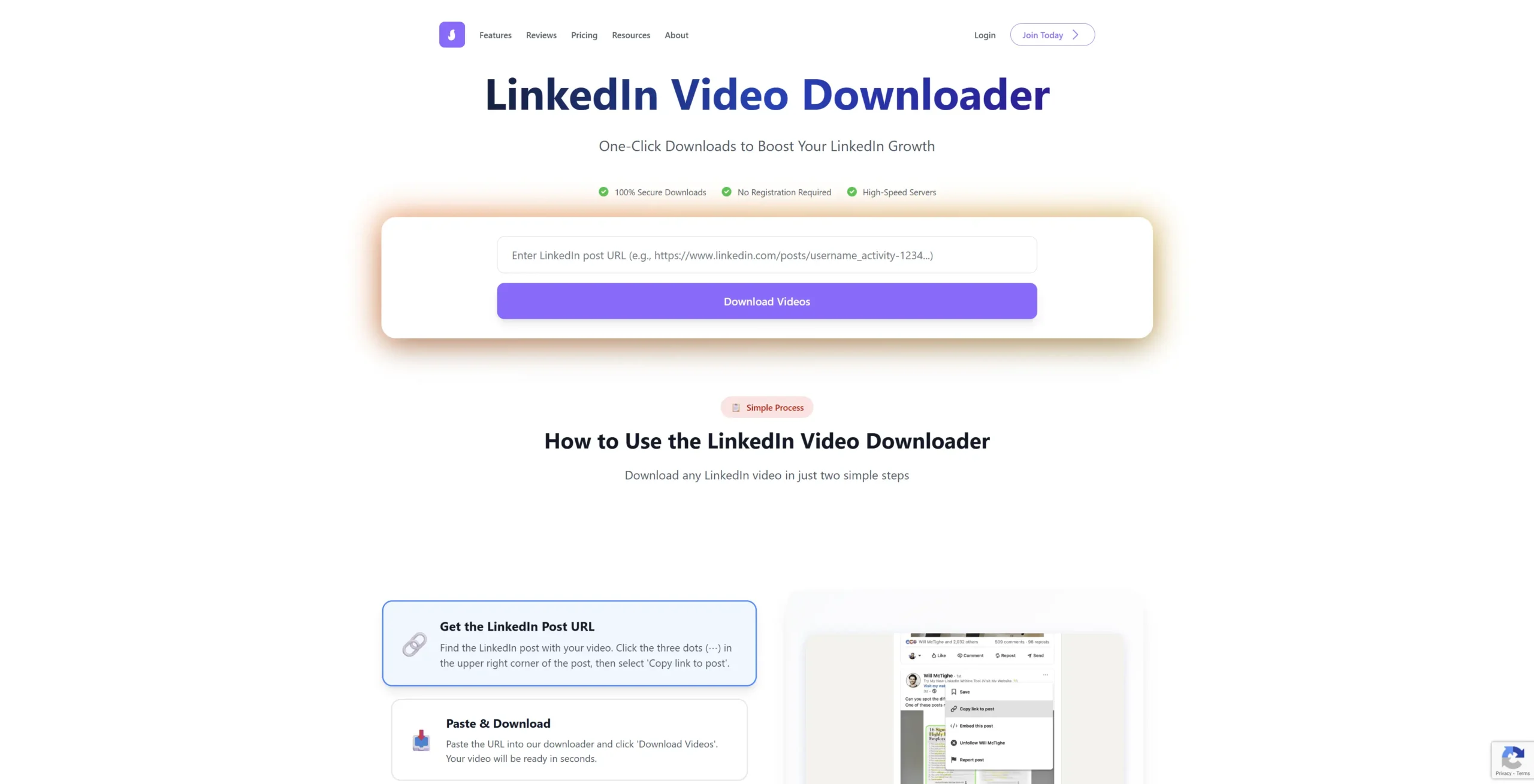
SayWhat.ai is an AI LinkedIn content tool that learns your writing voice and helps you create posts in your style. The downloader is a free utility — one of several tools used to attract creators to the platform. Testimonials on the site include a coach with 208k followers.
✅ Strengths: No login required. Claims high-speed servers and encrypted downloads. Good privacy positioning — explicitly states no data is stored.
❌ Limitations: Video only — no image, carousel, GIF, or ad support. Tool is clearly built to funnel users into the SayWhat.ai platform, not to serve as a standalone downloader. Unspecified download limits. No clear information about what happens when limits are hit.
🎯 Bottom line: The privacy messaging is good and the tool works for basic video downloads. But it’s firmly video-only and the underlying motivation is clearly platform acquisition, not downloader excellence.
#10 — Waalaxy.com (Score: 5.5/10)
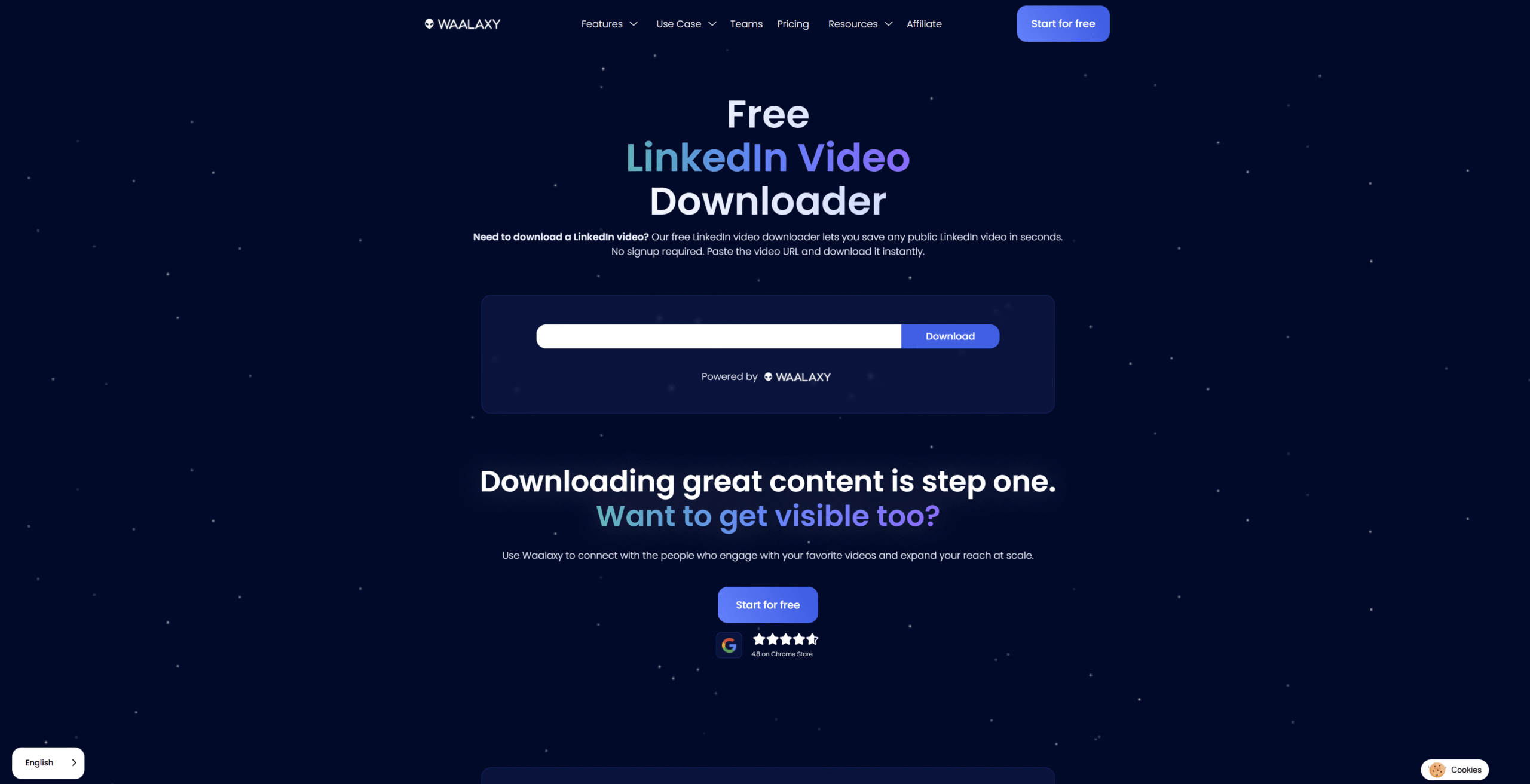
Waalaxy is a LinkedIn sales automation and cold outreach platform. The video downloader is one of several free tools on their site — alongside headline generators, boolean search tools, and profile summary generators. It is clearly not their focus.
✅ Strengths: No login required for the downloader. Fast processing. Part of an established platform with a large user base and good brand trust.
❌ Limitations: Video only — no image, carousel, GIF, or photo ad support. Waalaxy’s primary audience is sales teams doing outreach, not marketers building content research libraries. The downloader feels exactly as peripheral as it is. No public information on download limits.
🎯 Bottom line: Works for a quick video download if you are already in the Waalaxy ecosystem. As a primary LinkedIn download tool, there are nine better options in this list.
| ⚠️ Important Note Any tool that asks for your LinkedIn username and password is a serious red flag. Close that tab immediately. No legitimate LinkedIn downloader needs your credentials — they work from the public post URL alone. |
Which Tool Should You Actually Use? A Simple Decision Guide
The honest answer is that LnkdDownloader.com is the right tool for most people in most situations. But here’s a quick decision guide if your situation is specific:
- You want the fastest, simplest workflow: LnkdDownloader.com. Paste URL, download, done.
- You only need standard video downloads and use linkedindownloader.io for other platforms: publer is fine.
- You need carousels and multi-slide posts: Only LnkdDownloader.com handles this properly.
- You’re already a Publer subscriber: Their built-in downloader is convenient enough.
- Privacy is a priority and you don’t want any logging: LnkdDownloader.com, it’s the only tool I tested that was explicit about zero data retention.
- You need to download your own content in bulk: LnkdDownloader.com again (no daily limits).
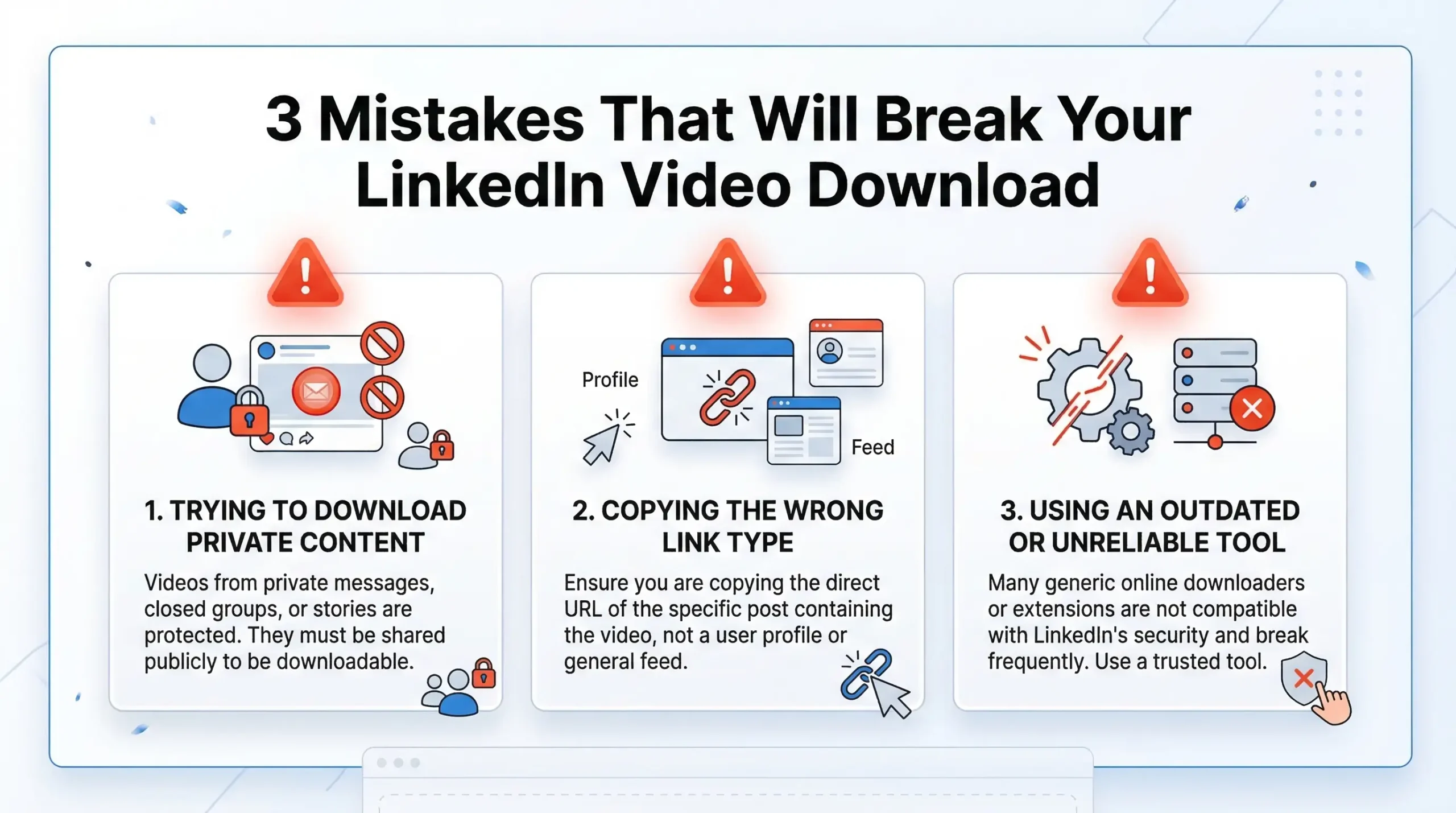
3 Mistakes That Will Break Your LinkedIn Video Download
I made most of these myself during testing. Save yourself the frustration.
Mistake 1: Copying the feed URL instead of the post URL
If you scroll LinkedIn and copy the URL from your browser while a video is playing inline in your feed, you often get a generic feed URL not the post-specific URL. The downloader has no idea what to fetch. Always click through to the individual post and copy from there, or use ‘Copy link to post’ from the three-dot menu.
Mistake 2: Using a tool that hasn’t been updated since 2023
LinkedIn changed its URL structure and video delivery format in late 2024. Several tools in my test list were quietly broken as a result — they looked functional but failed on a significant percentage of posts. If a tool hasn’t had a public update in over a year, test it carefully before building it into your workflow.
Mistake 3: Assuming downloaded ads can be republished
Saving a LinkedIn video for personal research, internal training, or swipe file reference is generally accepted practice. Republishing someone else’s ad as your own content, or using competitor creative in your own campaigns, crosses into different legal territory. Download for study — not for repurposing.
Frequently Asked Questions:
LnkdDownloader.com is our top pick. It requires no account, no email, and no personal information of any kind. You paste the post URL, click download, and get your file. It also has no daily limits, which makes it the only genuinely free option for heavy research use.
Yes — sponsored posts are downloaded the same way as regular posts. Open the ad in LinkedIn (it will have a ‘Promoted’ or ‘Sponsored’ label), click into the individual post to get its URL, and paste it into your downloader tool. LnkdDownloader.com handles both sponsored and organic content without distinction.
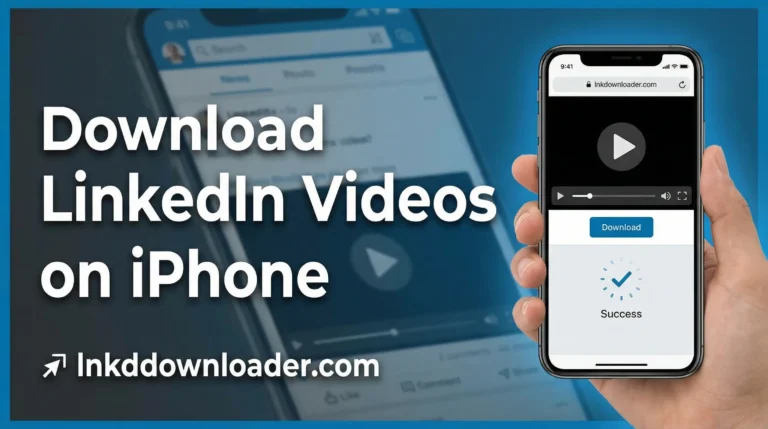
Open LinkedIn in your phone’s browser (not the app). Find the post, tap the three dots, and choose ‘Copy link to post’. Then open lnkddownloader.com in the same browser, paste the URL, and download. On Android the file saves to your Downloads folder automatically. On iPhone it saves to the Files app, from where you can move it to Photos.
It’s a deliberate product decision, not a technical limitation. LinkedIn profits from keeping users engaged on the platform — every video you want to rewatch is a reason to return. Offering a native download feature would reduce return visits and time-on-platform, both of which affect their advertising revenue and engagement metrics. Third-party tools exist to work around this by design.
Open LinkedIn in your mobile browser (not the app). Find the video post, tap the three-dot menu, and copy the link. Then go to lnkddownloader.com in your browser, paste the URL, and download. On Android, the file saves to your gallery. On iPhone, check your Files app > Downloads folder and move it to Photos from there.
The Bottom Line
After testing 10 tools across five different types of LinkedIn content, the gap between first place and the rest was bigger than I expected.
Most tools in this space do one thing adequately download a standard video post and fail on everything else. No carousel support. No GIF support. Daily limits. Login walls. Privacy trade-offs. LnkdDownloader.com is the only tool I tested that cleared every bar without compromise: no login, no limits, no ads, full carousel support, original quality, and genuine privacy.
If you’re building a swipe file, doing competitor research, or just want to save a video post you found useful — it’s the tool to use. Free, instant, and no paperwork. Try it on the next LinkedIn video you want to keep. It takes 20 seconds.
| 📌 Worth Noting? This article was tested and published in March 2026. LinkedIn’s URL structure and video delivery format change periodically. If you find a tool that isn’t working as described, check whether the tool has been updated recently that’s almost always the cause of download failures. LnkdDownloader.com maintains regular updates to stay compatible with LinkedIn’s current format. Checkout here: Lnkddownloader.com |