LinkedIn has become one of the most useful platforms for professional content. People share career advice, business lessons, interviews, product demos, and real-world experiences through short videos. Many of these videos are worth saving so they can be watched again later.
The main problem i face rather I would say that everyone has faced this when someone wants to save a video, linkedIn does not provide a download button.
When users search for a solution like me, they often find suspicious looing tools that ask for login details, account access, or unnecessary permissions. This creates hesitation and trust issues.
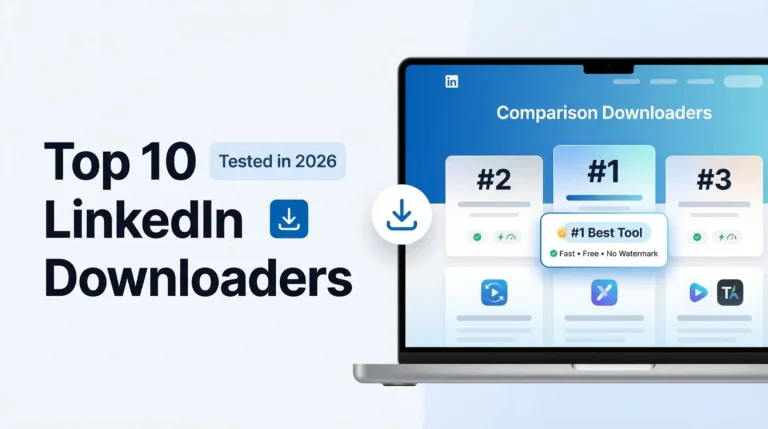
The good news is that i have developed a tool named lnkddownloader.com which can download public LinkedIn videos without login, safely and easily.
In this guide, i will explain how no-login LinkedIn video download works, why login is not required for public posts, and how to avoid unsafe tools.
Can You Download LinkedIn Videos Without Login?
Yes, you can.
If a LinkedIn post is public and can be viewed in a browser without signing in, it means the video is already accessible on the open web. No-login Linkedin downloader tool simply use this public access to fetch the video file.
There is no technical need to connect a LinkedIn account when dealing with public content.
Private posts, closed groups, and restricted videos are a different case and cannot be downloaded without proper access.
Why Many Tools Ask for Login (And Why That’s a Red Flag)
This is one of the most common questions users asked on social media platforms.
In most cases, tools that ask for login do so for reasons unrelated to downloading the video itself. Some want to collect user data, others push paid plans, and some simply use login as a gate to control usage.
For public LinkedIn videos, login is not required.
If a website asks for LinkedIn credentials just to download a public video, it is better to avoid it.
As a general rule, the less information a tool asks for, the safer it usually is.
How No-Login LinkedIn Video Downloaders Work?
There is nothing complicated or hidden about this process.
When you paste a public LinkedIn post link into a no-login downloader, the tool reads the same public page that your browser sees. It then locates the video source file embedded in that page and provides a downloadable version.
- No account is connected.
- No profile data is accessed.
- No LinkedIn permissions are involved.
1. Privacy Concerns
People do not like sharing:
- Email addresses
- Social media accounts
- Passwords
Especially when they only want to save a single video.
2. Account Safety
Some users worry that:
- Their LinkedIn account could be misused
- Login data could be stored
- Permissions could be abused
These concerns are valid, especially with unknown websites.
3. Simplicity
Most people want a simple process like our tool does.
During testing, we noticed that users always prefer tools that work without login.
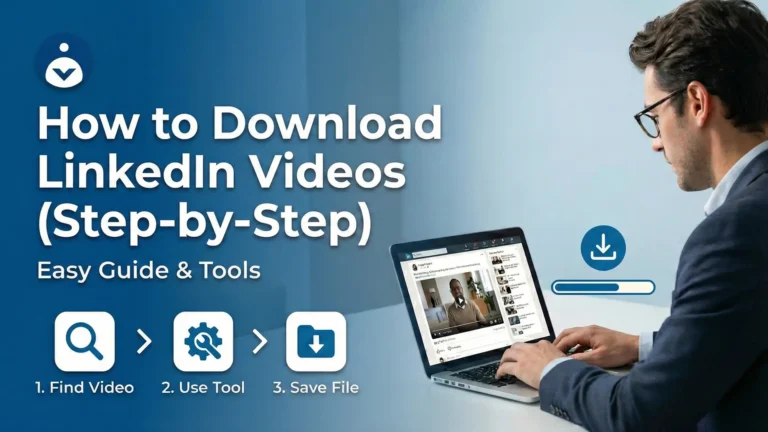
Step-by-Step: Download LinkedIn Videos Without Login
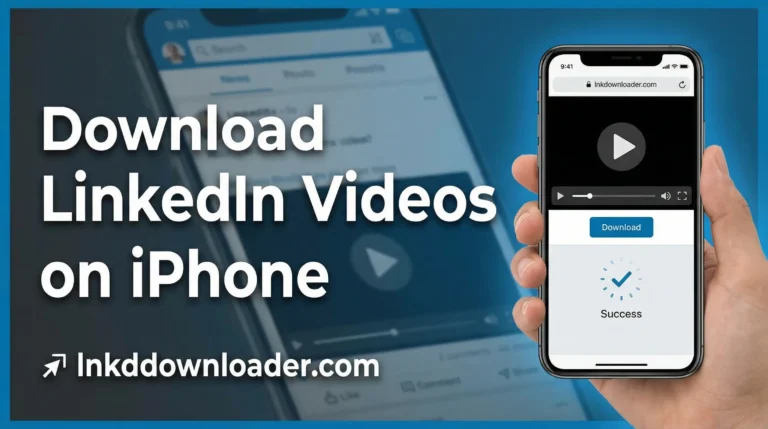
This method works on desktop, Android, and iPhone browsers.
Step 1: Find the LinkedIn Video
Open the LinkedIn post in a browser or App and scroll to the post that contains the video or image.
Step 2: Copy the Post Link
Click on the “➢ Send” right bottom of the post and A popup box will be appeared.
Click on “Copy link to post” from the box.
This link is all you need.
Step 3: Paste the Link into a No-Login Downloader
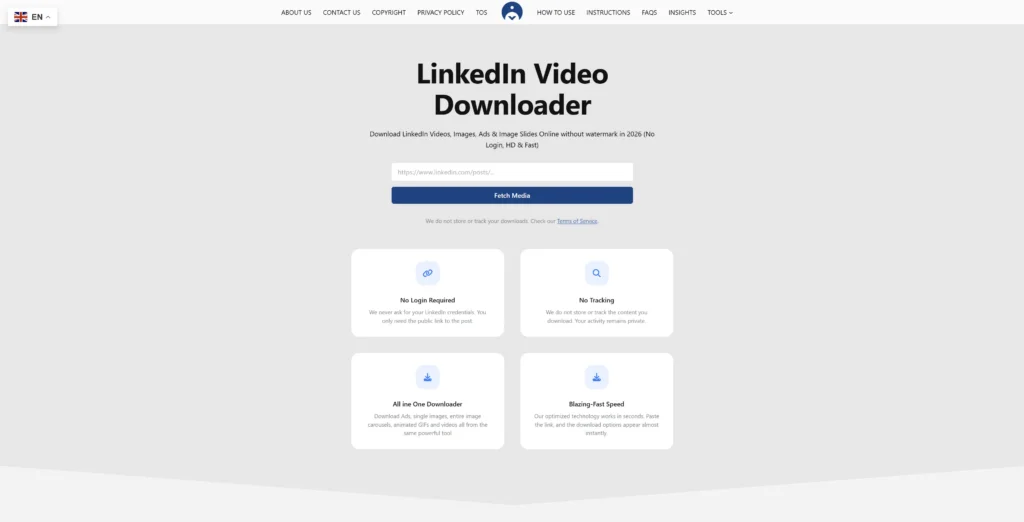
Open lnkddownloader.com
Paste the copied link into the search input box.
You will not be asked to:
- Create an account
- Log in
- Share personal details
Step 4: Download your Video File
Now hit “Fetch Media Button” and wait for 1-3 seconds and your video will be appeared.
Click on “Download” button to save your favorite video to your device.
In our testing, this method worked best because it was fast and required no extra steps.
Can You Download LinkedIn Videos Anonymously?
In practical terms, yes.
No-login tools like lnkddownloader.com do not connect to your LinkedIn account and do not interact with your profile. As long as the tool does not track users or store content, your activity remains separate from your LinkedIn identity.
That said, users should still avoid unknown websites that use aggressive ads, forced redirects, or browser extensions.
Common Misunderstandings About No-Login Downloading
Some users believe that downloading without login is unsafe or illegal. This is not accurate for public content. Public posts are already visible without authentication.
Others think HD quality requires login. In reality, video quality depends on how the original video was uploaded, not on whether a user is logged in.
What to Do If a Video Does Not Download
If a download fails, it usually happens for one of these reasons:
- The post was changed to private
- The video was removed
- The link was copied incorrectly
- There is a temporary network issue
Refreshing the page or trying again later often resolves the issue.
Frequently Asked Questions:
Yes, you can download LinkedIn videos without login if the post is public. Public LinkedIn videos can be accessed and saved without signing in to an account.
Yes, it is generally safe when using a trusted tool like lnkddownloader.com that does not ask for passwords, account access, or browser extensions.
Reputable no-login tool like lnkddownloader do not track users or store downloaded content. They only process the public link to provide the video file.
Some tools ask for login to collect user data or promote paid features. Login is not technically required for downloading public LinkedIn videos.
The available quality depends on the original LinkedIn upload. Login does not affect video quality.
This usually happens if the post is private, the video was removed, or the link was copied incorrectly. Trying again or using another browser often helps.
Final Thoughts
Downloading LinkedIn videos without login is both possible and practical for public posts. It saves time, avoids privacy concerns, and works across devices.
For most users, no-login LinkedIn video downloaders are the simplest and safest option, especially when the goal is offline viewing or future reference.
Once you understand the process, it becomes straightforward.